
Keep the floor clear and the information in place.
Use the wall as a planned display point.
Choose a permanent location where people pause, wait, order or need information, then match the display size and content format to that viewing moment.
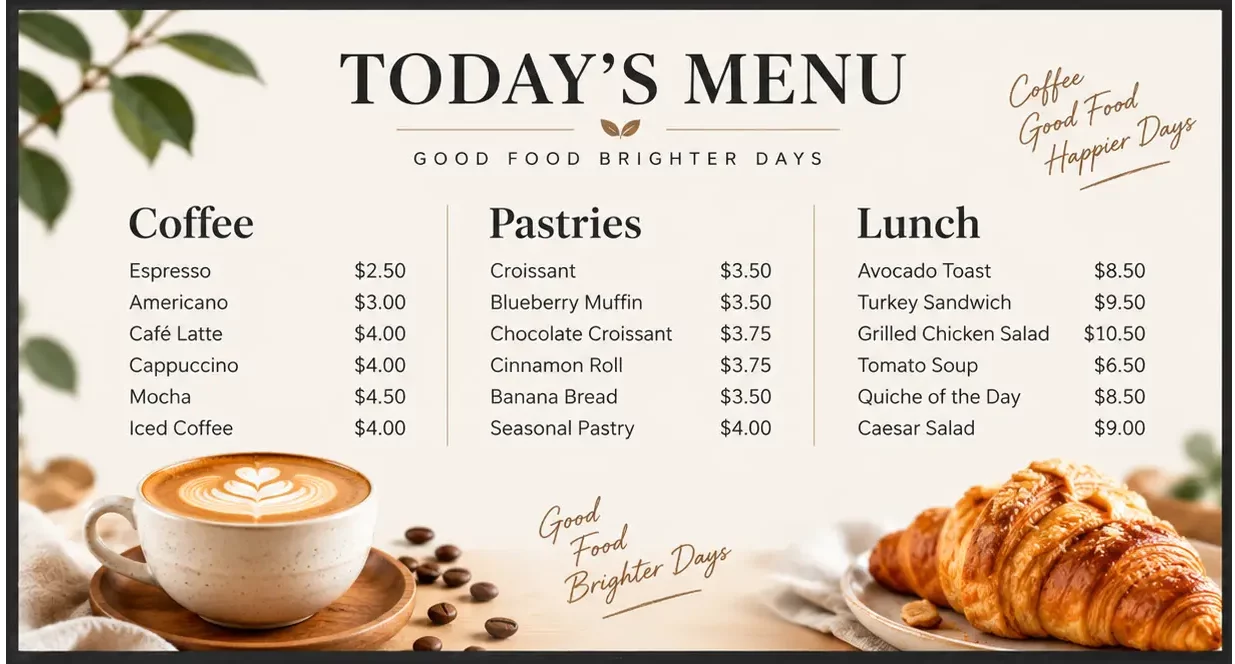
Cafés and Quick-Service Counters
Keep menus, offers and service-period messages visible above or near the ordering point.
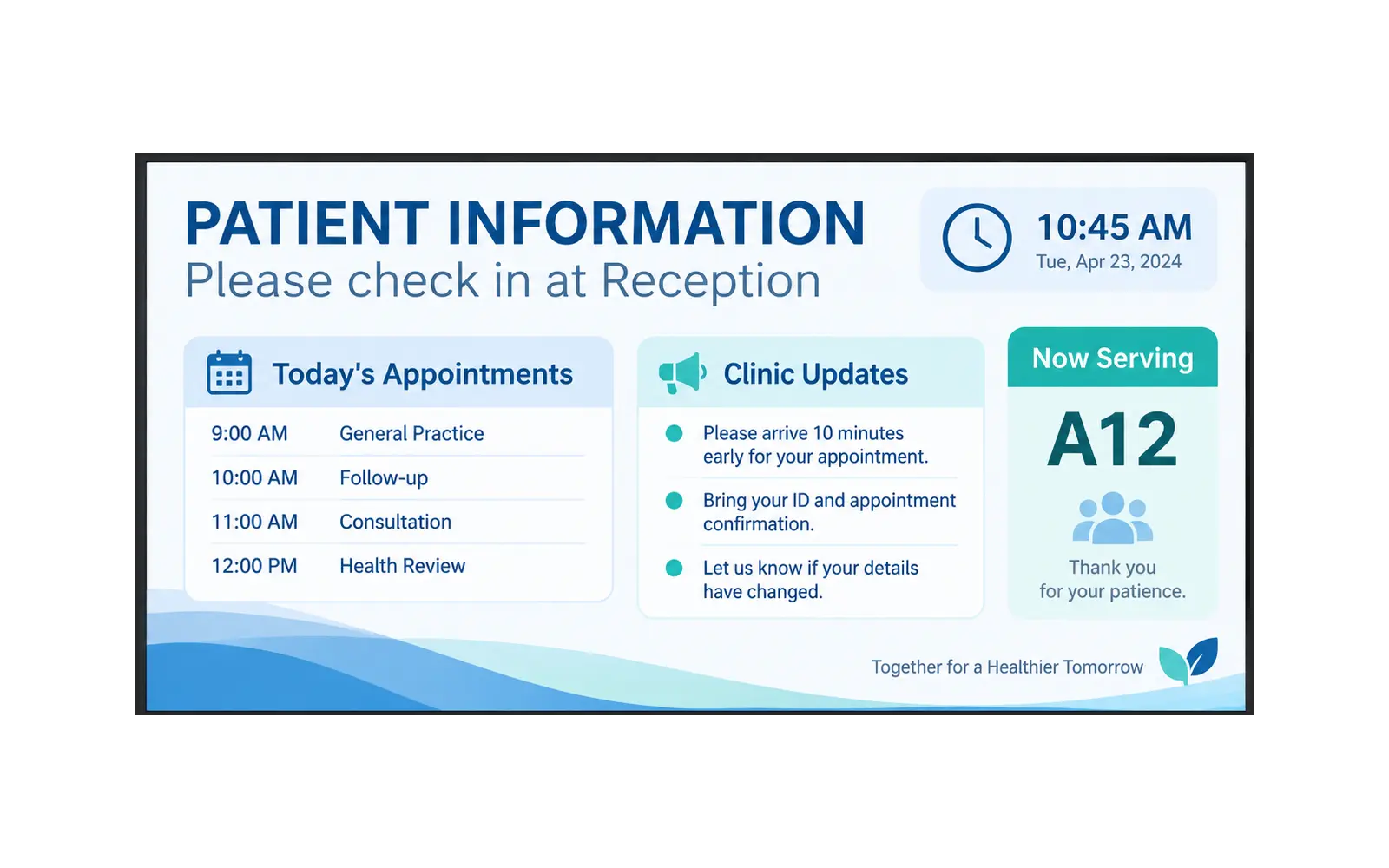
Healthcare Waiting Areas
Show reception guidance, queue information and patient notices where visitors can read them at a glance.

Retail, Reception and Shared Spaces
Use a fixed display point for promotions, visitor guidance, opening information or internal notices.
Keep the floor clear and the message in place.
A wall-mounted display works when the communication point needs to stay consistent, but a floor stand would obstruct circulation or not suit the site.
Limited floor space
Use wall space for communication while keeping entrances, aisles and waiting areas open.
Repeated printed updates
Change menus, campaigns and visitor notices without replacing a poster every time.
Information is easy to miss
Place content at the reception desk, counter, queue or waiting area where people naturally look.
Long-term communication point
Set the location and content workflow once, then keep messages current as daily needs change.
Confirm the wall before choosing the screen.
A useful wall-mounted deployment starts with wall construction, viewing direction, power route and service access—not only the visible screen size.
Choose the viewing position
Identify where people will stand, wait or approach from, and make sure the message faces the relevant flow.
Confirm the wall and bracket
Check the wall material, mounting pattern, display weight and required clearance before fixing the position.
Plan power and service access
Route power and network neatly, and leave practical access for connection, maintenance and content updates.
Prepare the message
Create content for the menu, reception, promotion or notice that the display will support.
Set the chosen configuration
Align the Android, Windows or external-input workflow with the way content will be published.
Schedule updates
Coordinate content timing with opening hours, service periods, campaigns or visitor information.
Review from the viewing point
Check that type size, placement and content are readable from the actual customer route.
Choose the operating method that fits the site.
For the supplied 55-inch example, Android, Windows and external-input configurations are available. The right choice depends on whether the site needs a local player, Windows application, connected source or a networked information workflow.
Android reference: Android 11, RK3566, 2 GB RAM + 16 GB storage, Ethernet and Wi-Fi. Optional 3G/4G is listed
Windows reference: I5, 4 GB RAM + 128 GB storage, Ethernet and Wi-Fi.
Input-display reference: HDMI, VGA and DVI input for projects that use an external source.
Use 55 inches to understand the format, not to limit the project.
Wall-mounted configurations can extend from 32 to 110 inches. The exact dimensions, weight, system and installation method must follow the chosen display size and project requirement.
32–65″
- Provided packaging and weight reference for 32, 43, 50, 55 and 65 inch models
- Supports non-touch, Android, Windows/input or touch configurations in the supplied packing table
55″
- 16:9 commercial LCD
- 300 cd/m² brightness
- Metal enclosure with 3.5 mm tempered front glass
- Landscape or portrait wall mount reference
86–110″
- Confirm wall construction, display weight and bracket design
- Confirm viewing distance, content density and installation access with the site plan
Clean front presentation, planned rear access.
The supplied 55-inch reference shows the front display, slim side profile and rear mounting structure. It illustrates the format, but does not define the mounting pattern of every size.
Confirmed 55-inch reference: 16:9 display area approximately 1210 × 680.5 mm; LED side backlight; 60 Hz; 300 cd/m² brightness.
Questions to resolve before installation.
These questions help establish a workable wall-mounted display plan before a final configuration is confirmed.
Why should a retail chain use commercial wall-mounted digital signage instead of ordinary TVs?
Ordinary TVs are generally not designed for continuous 24/7 operation. Our commercial signage is designed for 24/7 use, supports both portrait and landscape installation, and can be managed remotely for scheduled power control, content playback and software updates.
Can indoor wall-mounted digital signage connect to our existing content management platform?
Yes. The signage can connect to an existing advertising content platform and can be configured with Android or Windows, subject to confirming the platform's system and integration requirements.
What installation dimensions and ventilation information are needed before quoting wall-mounted signage for a decorative wall or recess?
The installation drawing should include the complete enclosure, bracket, cable exit and maintenance space. Do not size the wall opening from the visible screen dimensions alone. The equipment supplier should provide the installation requirements, while the contractor verifies the wall and cabling. Approve one sample installation before copying it across other stores.
Can wall-mounted signage run for long store hours and shut down automatically at night?
Yes. The signage supports scheduled power-on and power-off settings and is designed for long daily operating hours.
Will wall-mounted signage keep playing and recover remote management after a network outage or router replacement?
Content can be cached locally so playback continues during a network outage. Remote management resumes after the network connection is restored.
How can several signage screens on one wall maintain consistent brightness, colour and playback timing?
Before shipment, we can perform batch-consistency and colour checks and verify synchronized playback timing for the approved configuration.
Can wall-mounted signage be serviced from the front, or must it be removed from the wall?
This model requires rear access for service. Modules such as the mainboard and power board can be replaced. We provide disassembly guidance and spare-parts support for trained technicians.
Can later orders for phased store openings keep the same size, appearance and player configuration?
We confirm a delivery baseline covering the appearance, I/O, hardware version, software version, packaging and accessories. Test procedures and results are retained for key functions, and changes that require renewed approval are identified. The sample, specification and purchase order should refer to the same version.
What additional hardware and software work is required for portrait playback and an interactive touch application?
The display supports portrait and landscape playback. Before delivery, we confirm the touch solution, operating system and required applications so the hardware and software match the intended interactive workflow.
Can wall-mounted signage be preconfigured with networks, applications and store IDs before shipment?
Yes. Before shipment, we can preload approved content and configuration, prepare the store-to-device mapping and arrange account handover information.
Other indoor digital signage options
Floor stand
Indoor floor-standing digital signage brings menus, promotions and wayfinding into entrances, aisles and service areas without requiring a permanent wall installation.
Portable signage
Build a home-lifestyle range around a portable touchscreen TV that can move from everyday viewing to a workout, video call or quiet night in—without being fixed to one room.
Digial A Board
A Digital A-Board for restaurant menus, retail promotions and event notices where the message needs to change more often than a printed sign allows.
Start with the wall, the viewing point and the content plan.
Moliter helps confirm a wall-mounted digital signage configuration around their application, size range and installation requirements.
Share these project details:
- Display size range or preferred 55-inch reference
- Wall type and installation position
- Landscape or portrait orientation
- Power, network and content update method