
Education · LearnBoard
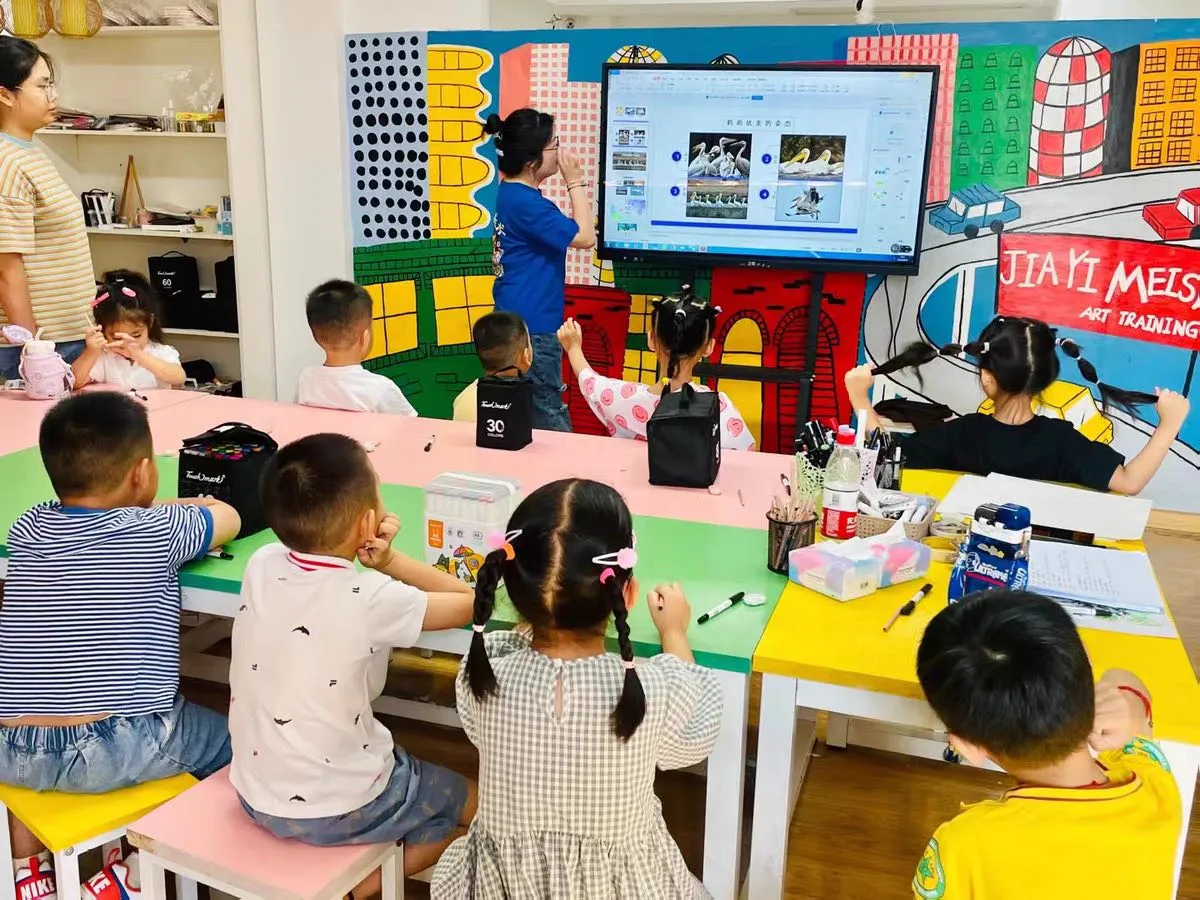
A classroom needs more than a large screen. Teachers need to present lesson materials, write naturally, switch between resources and keep students focused without interrupting the lesson flow.
ApplicationClassroom teaching
Project PriorityPresentation and annotation
DeploymentFixed or mobile deployment
What the project needed
The project needed one teaching display that could bring lesson presentation, whiteboard writing and touch interaction into the same front-of-class area. The system also had to remain straightforward for teachers who move between slides, documents, websites and handwritten explanation during a lesson.
How the solution was planned
- Use an interactive display as the central teaching surface.
- Keep writing, annotation and content presentation accessible from the same screen.
- Plan the screen size and installation position around viewing distance and classroom sightlines.
- Confirm Android, optional Windows OPS and required teaching software before deployment.
Value for the customer
- Teachers can move between digital content and handwritten explanation with fewer changes of equipment.
- Students view the same lesson material and annotations on one shared display.
- The integrator can define the configuration around the school’s software, connectivity and installation requirements.
What project partners can learn
- Confirm room depth and student viewing distance before selecting the display size.
- Check wall structure, mounting height, power and network points before installation.
- Define whether the school needs Android only or an optional Windows OPS PC.
- Test the school’s teaching applications, file formats and user accounts before handover.
Planning a similar display project?
Share the application, room or installation environment, preferred screen size and required connections. Moliter can help coordinate product configuration, accessories and project requirements.
Discuss Your Project