
LearnBoard Interactive Display
Simplify teaching, writing, content sharing, and classroom interaction.
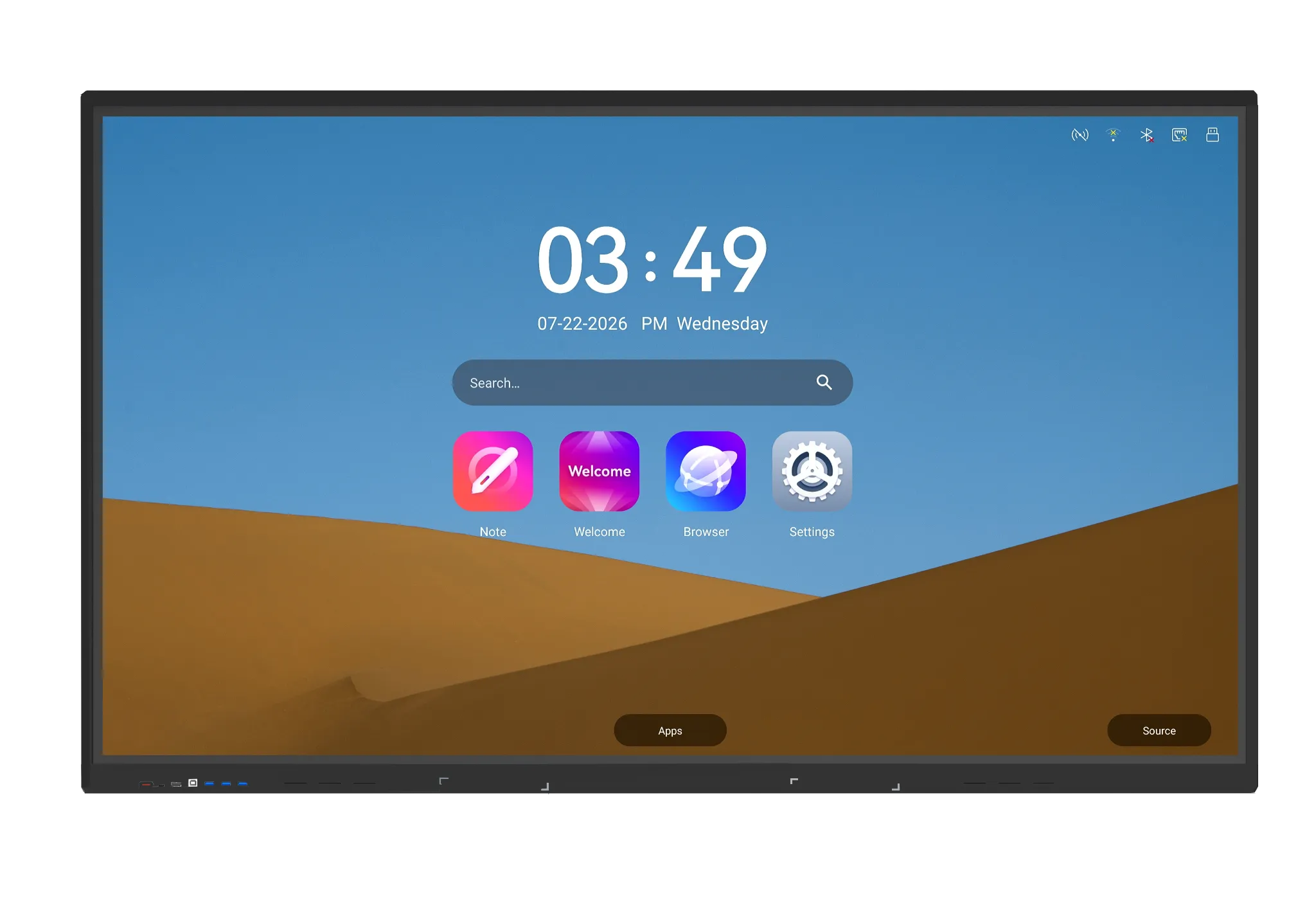
4K
Resolution
40
Touch Points
Android
14 With Optional Windows OS
Size
65″, 75″, 86″
All-in-One Digital Whiteboard Suite
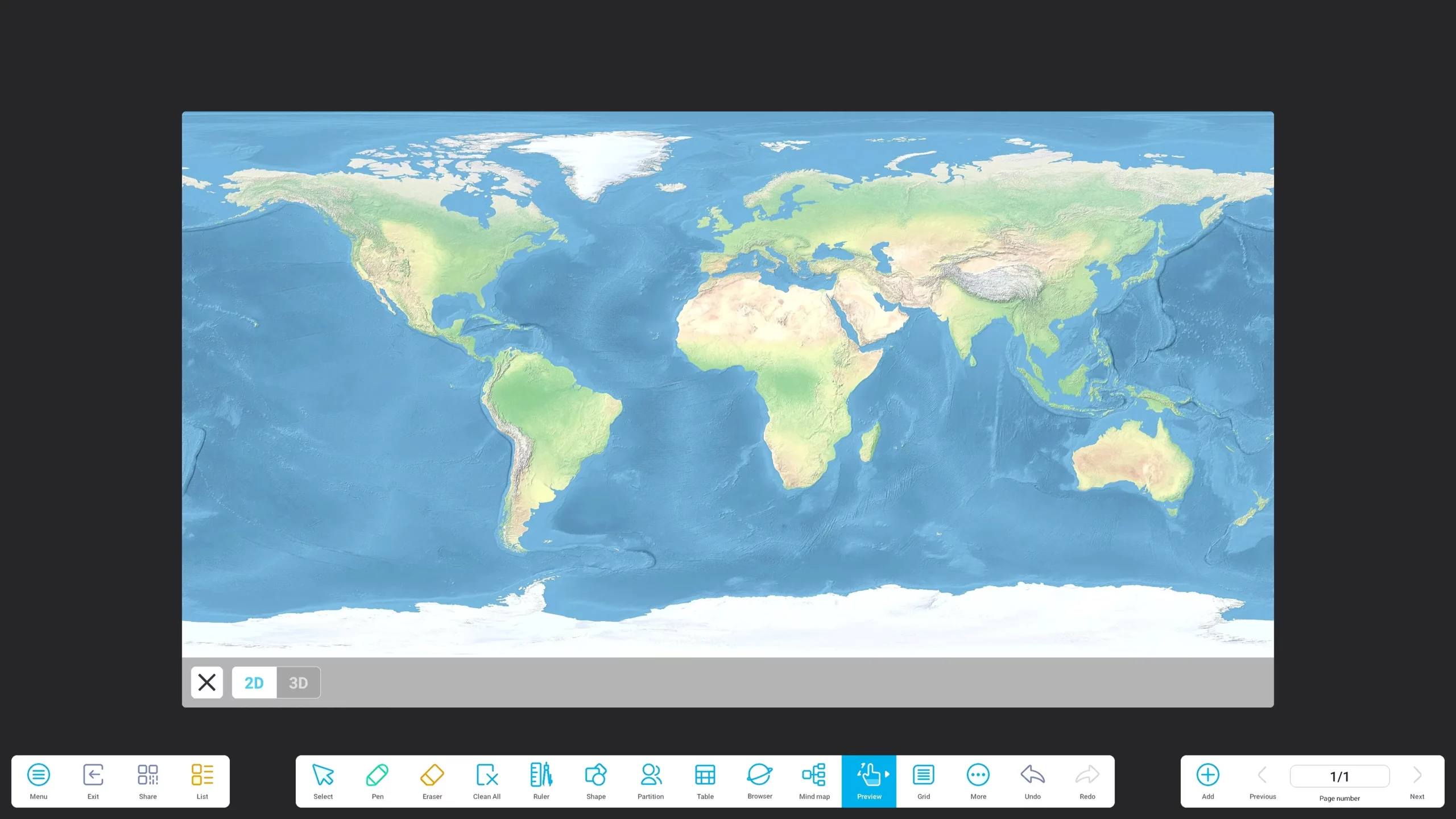
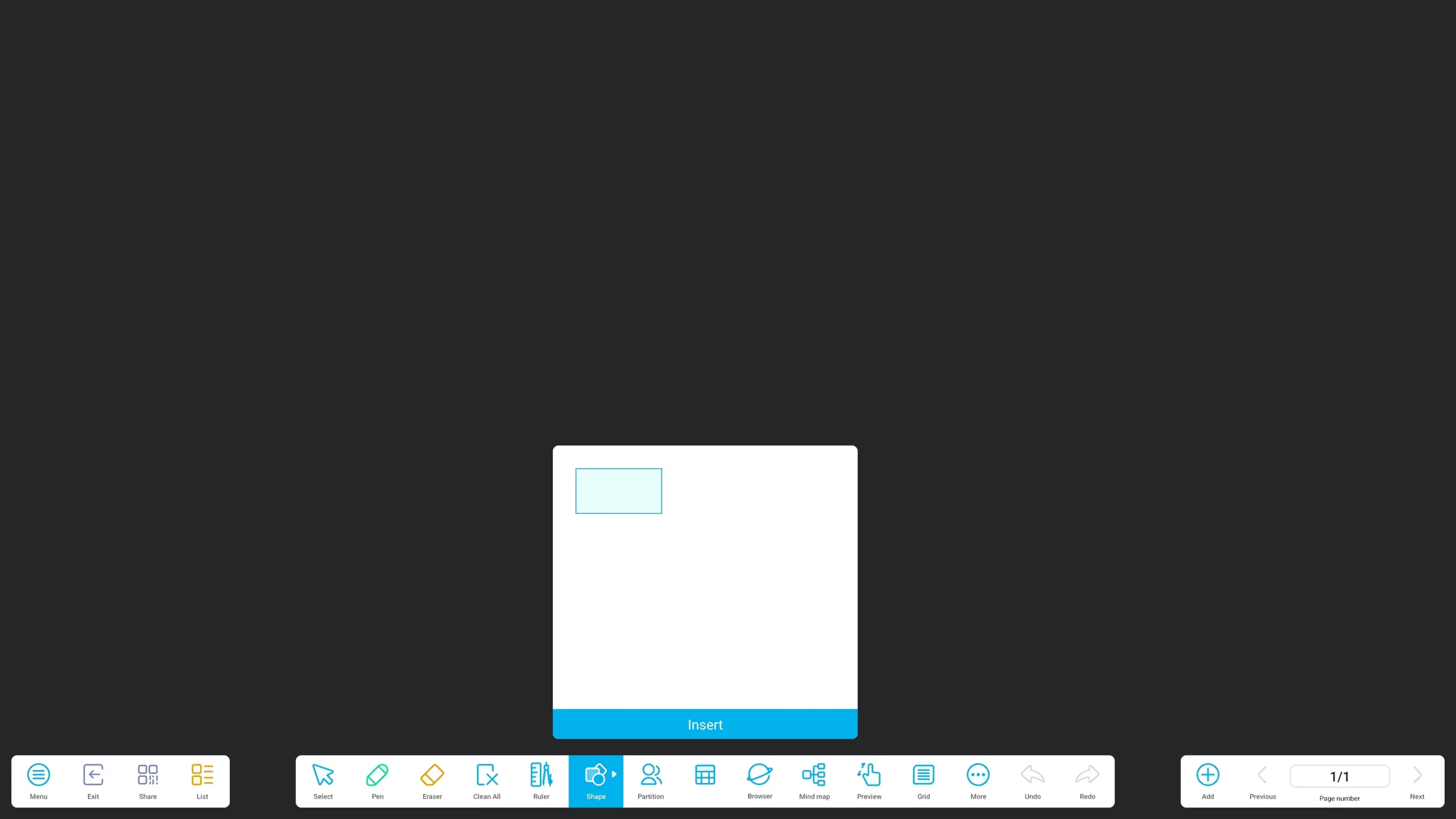
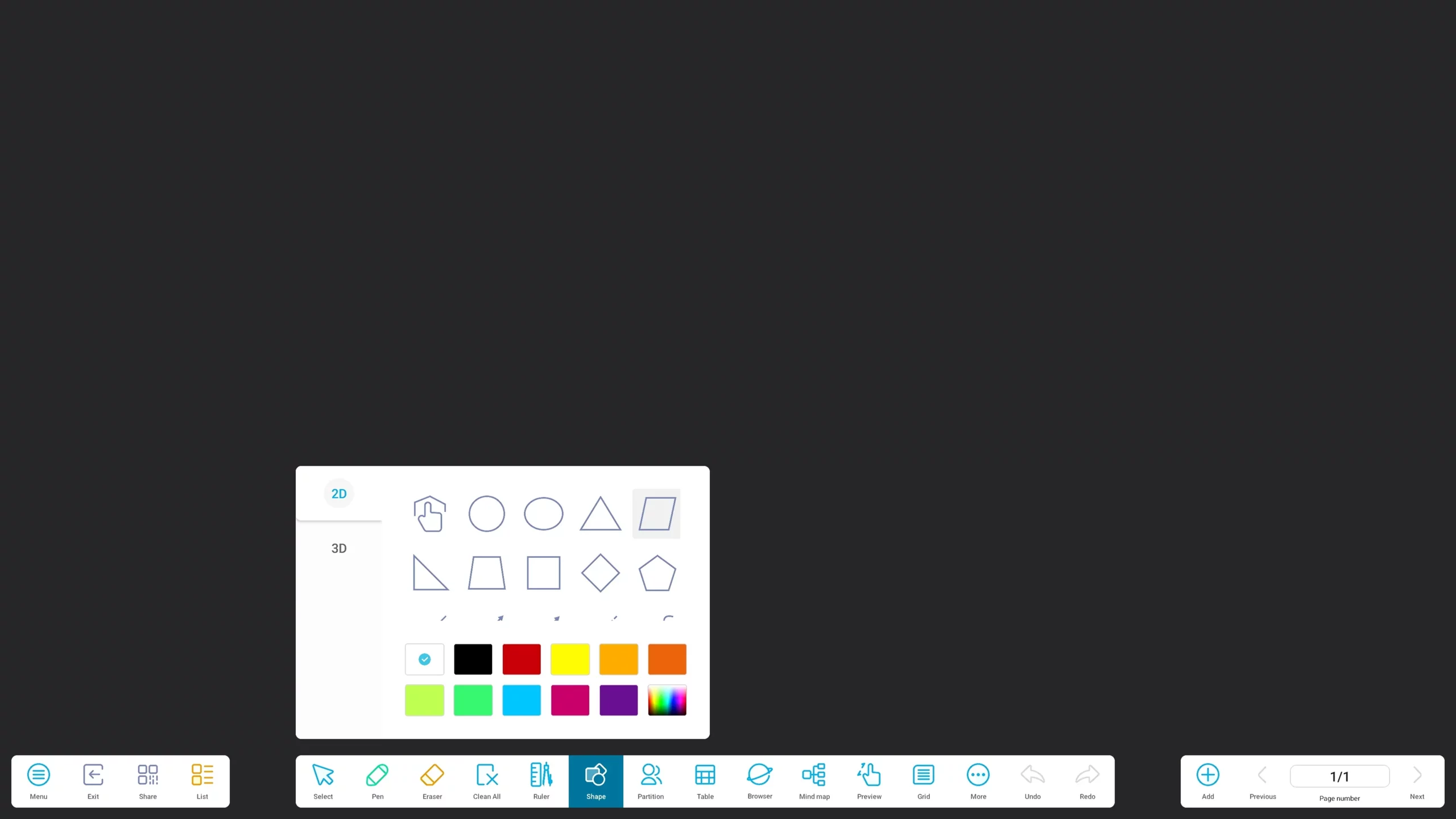
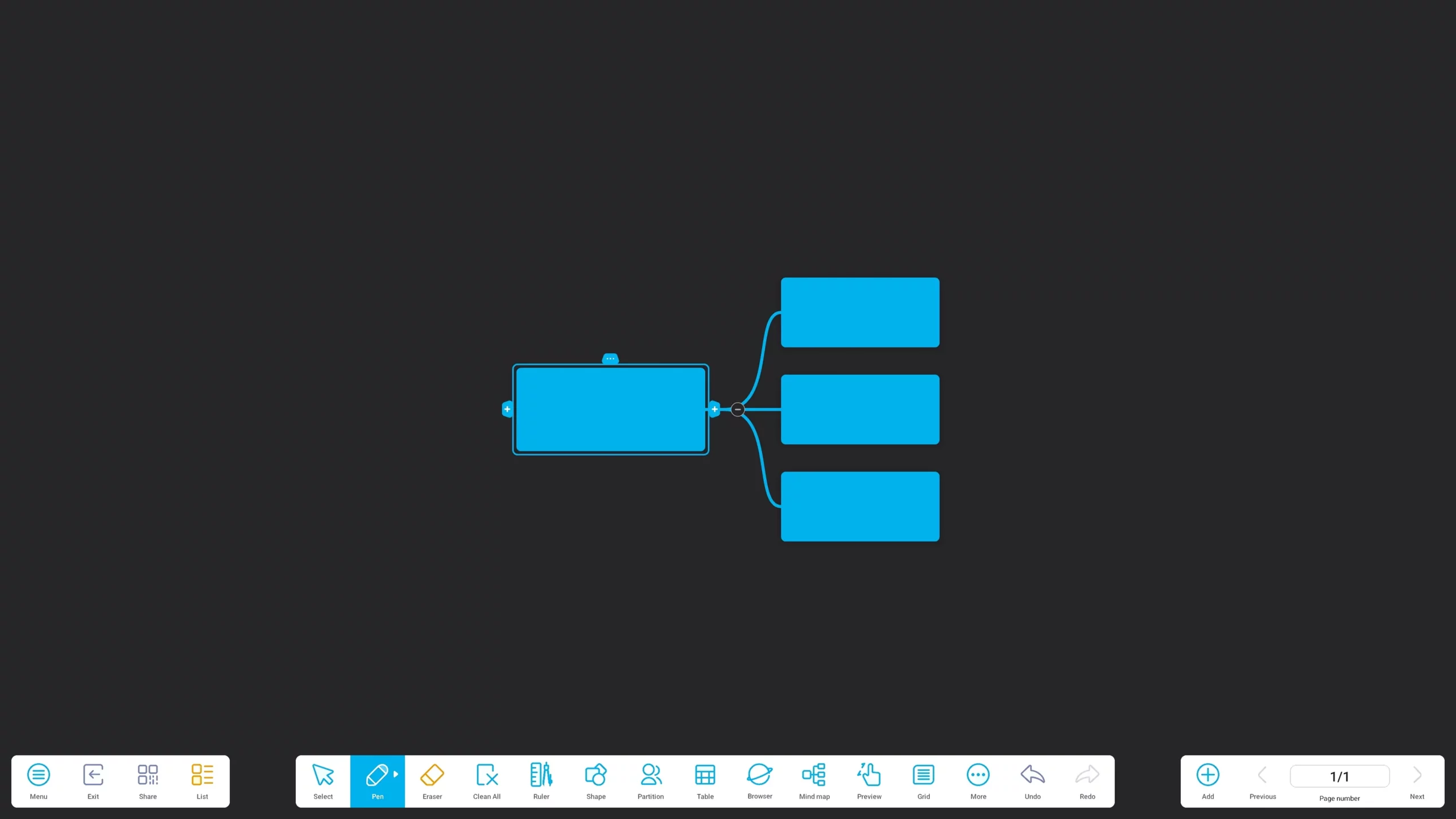
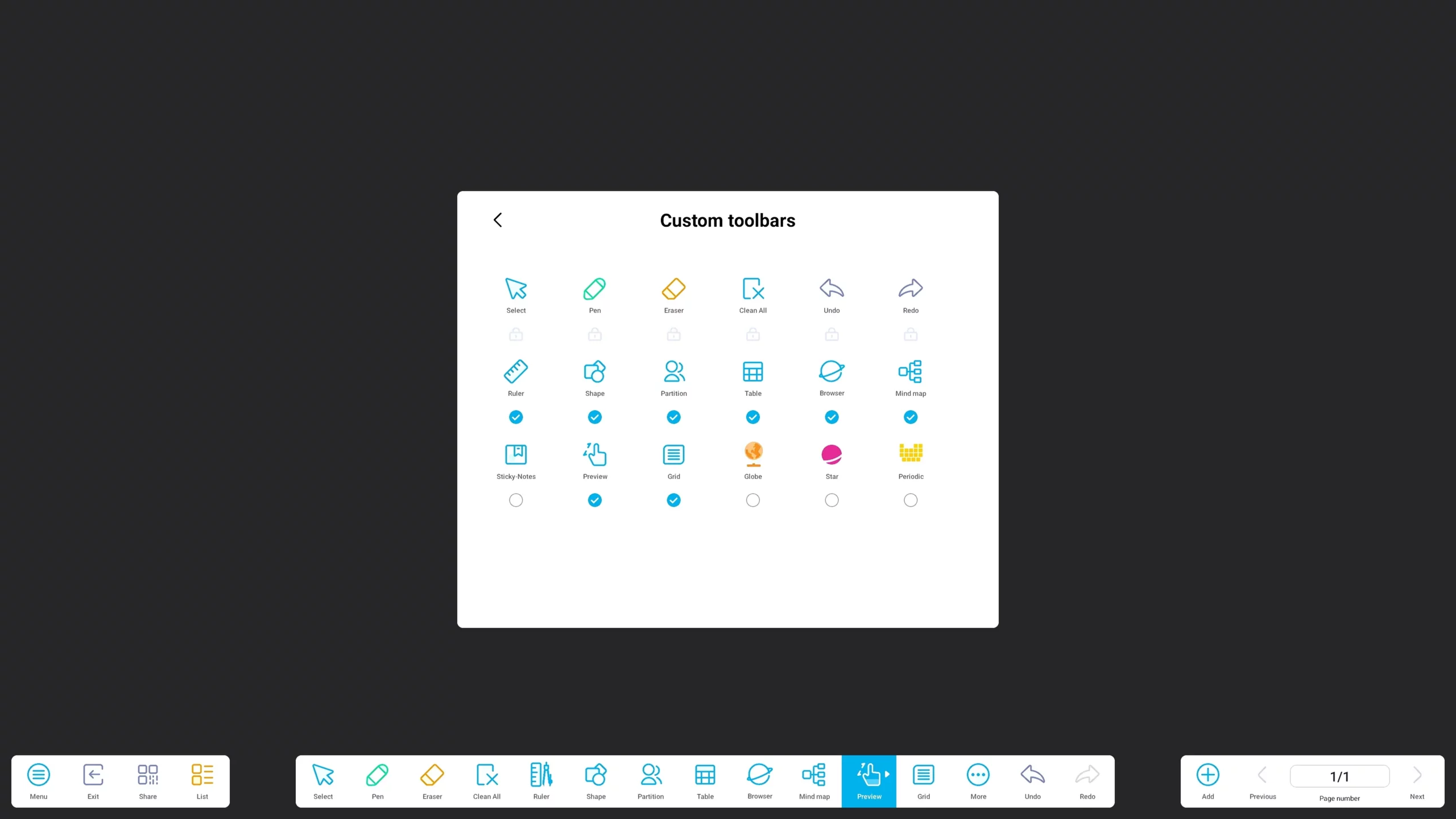
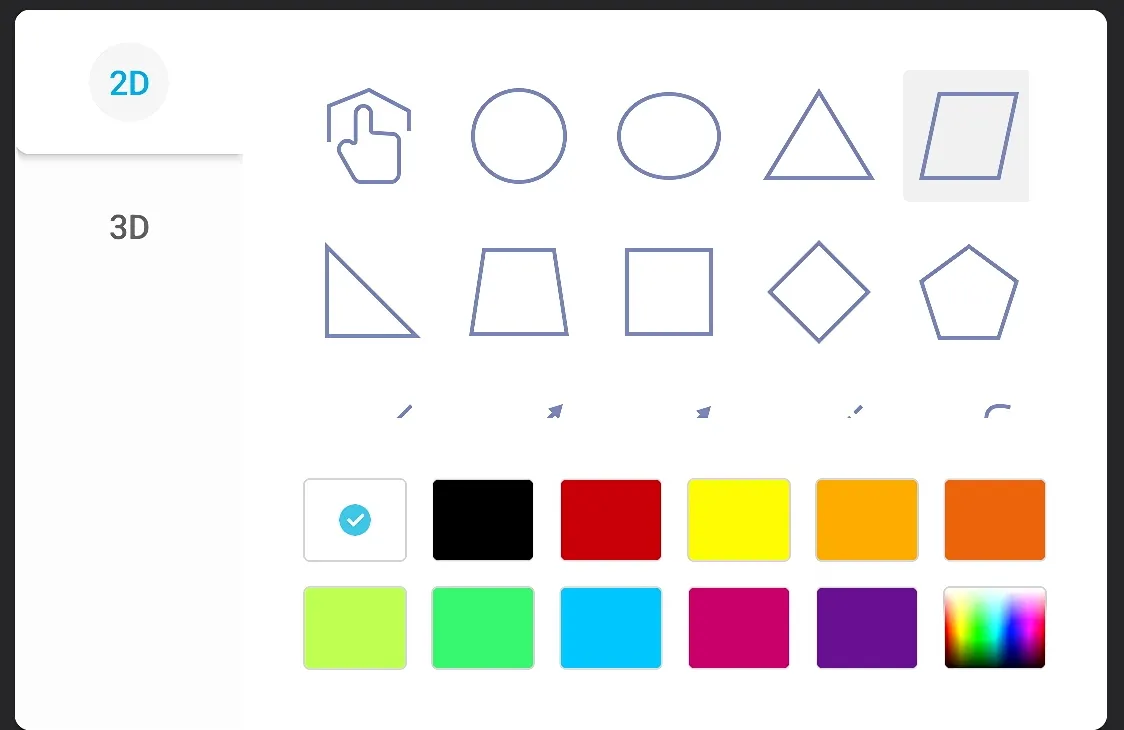
Most interactive panels stop at “pen and eraser.” This one goes much further. The built-in Note whiteboard bundles a full set of visual thinking and teaching tools directly on the canvas: Mind Map for brainstorming and structuring ideas in real time, Table insertion for organizing data on the fly, Shapes with automatic beautification (rough sketches snap into clean geometric figures), a 2D Globe for geography lessons, and an interactive Periodic Table where elements can be dragged together to visualize compounds. No app-switching, no external software — the whiteboard itself becomes a multi-subject teaching instrument, from a business strategy session to a chemistry class.
Built-in Palette
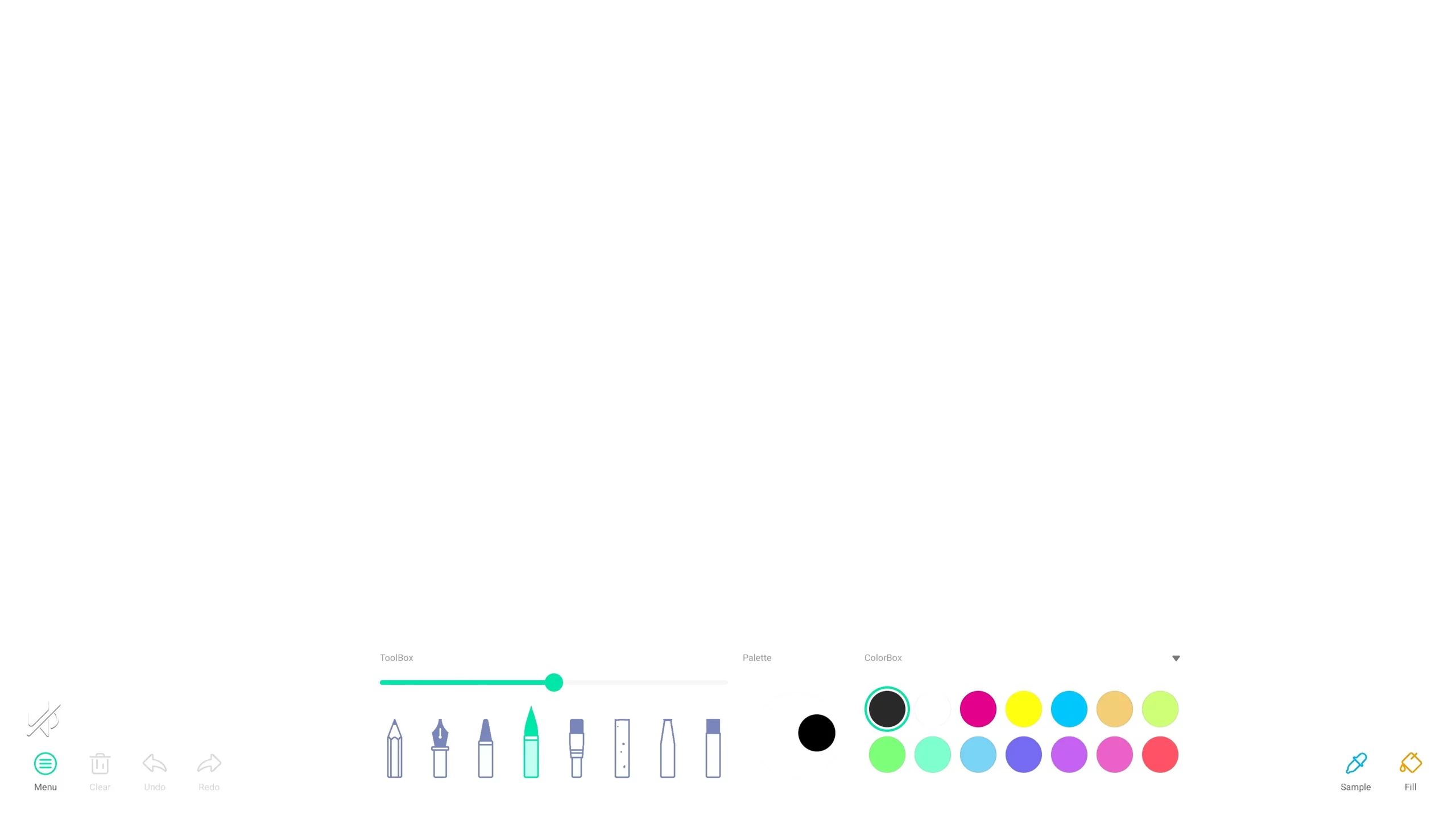
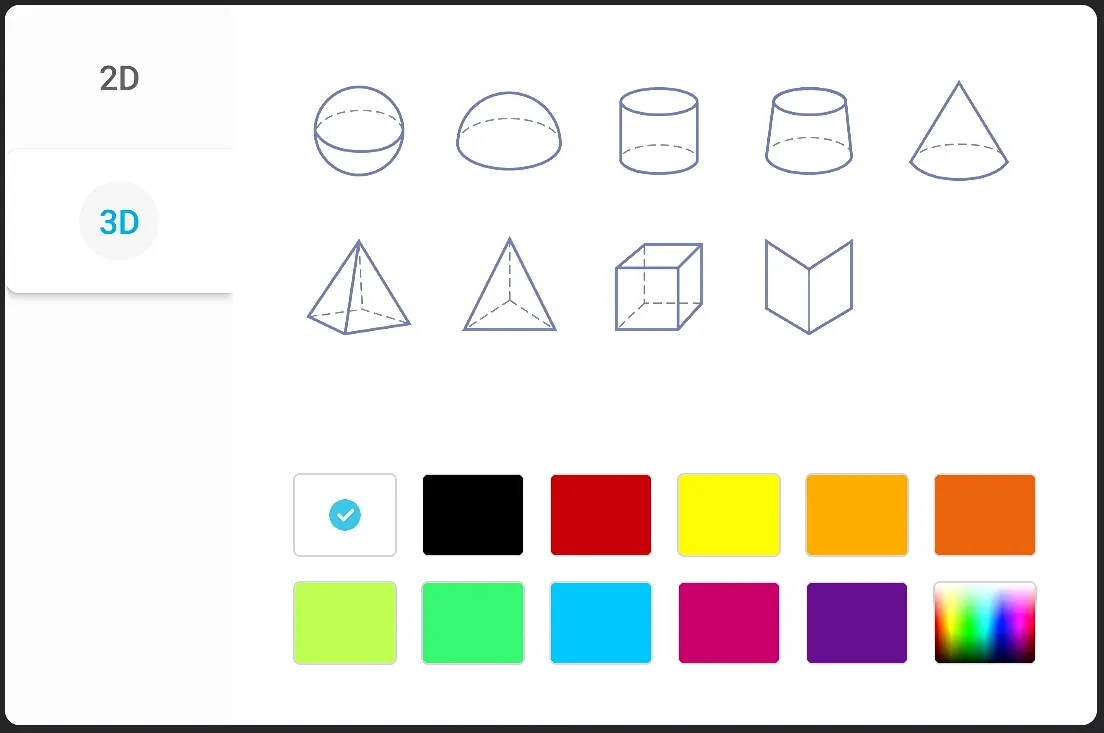
Where most competitor systems only offer basic markup or annotation, this panel includes a dedicated Palette drawing studio — a real creative canvas, not just a whiteboard overlay. Users can freely sketch and paint with multiple brush types (fine pen, marker, brush) and adjustable stroke weight and color, insert and manipulate 2D and 3D shapes, and build layered visual work directly on the big screen. It brings the flexibility of a design or illustration tool into the meeting room or classroom — ideal for design reviews, creative teaching, or simply making presentations more visual and engaging.
AI-Powered Interactive Flat Panel
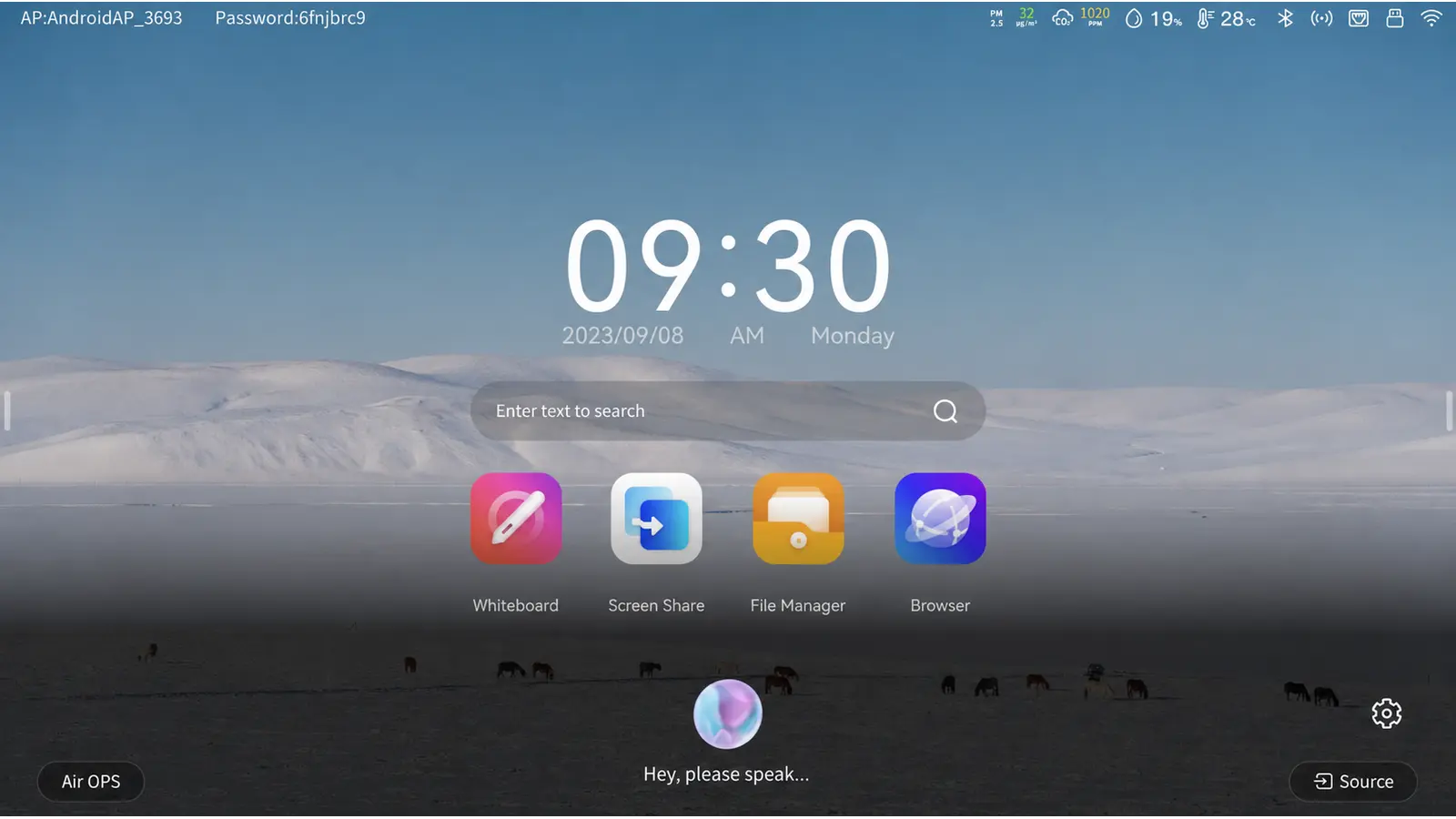
1. AI Voice Assistant
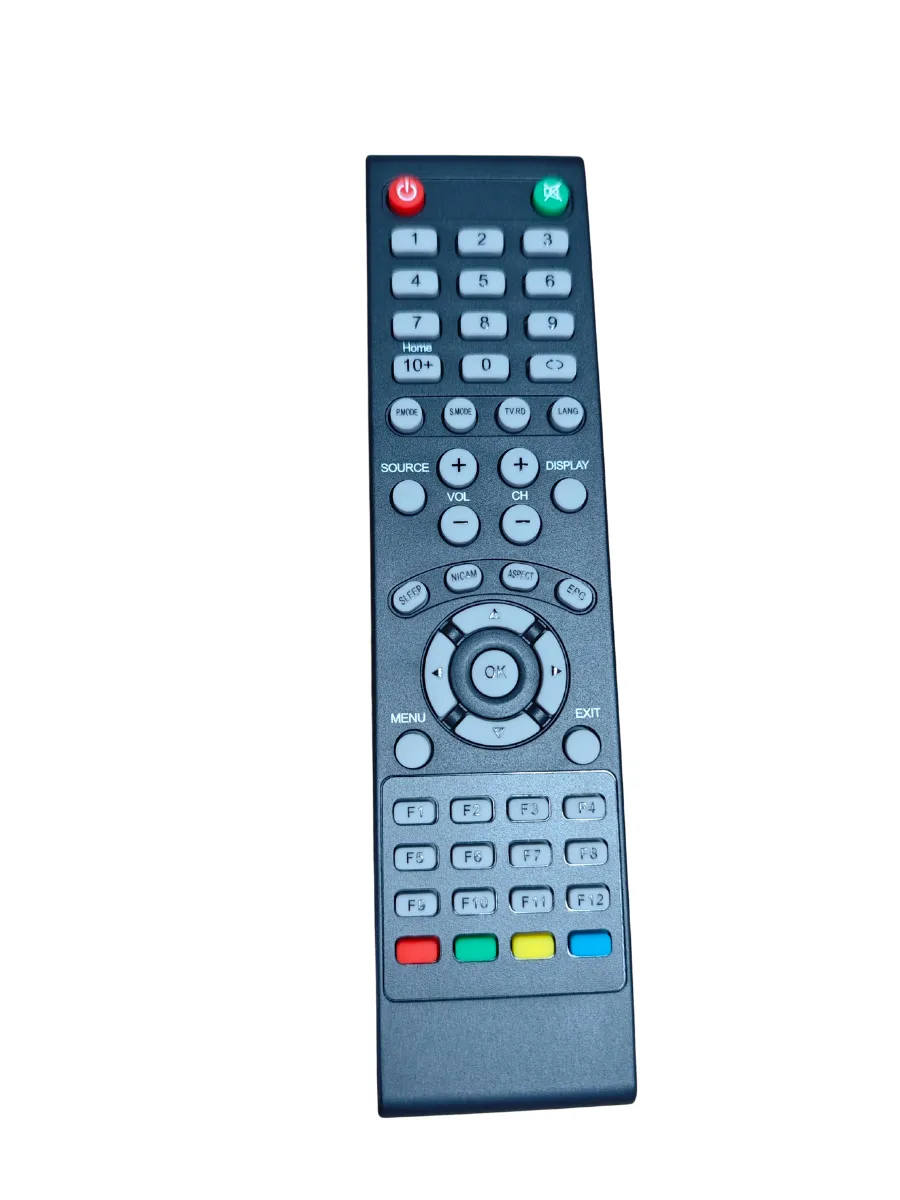
Hands-free control via paired remote — no wake word, just press and speak.
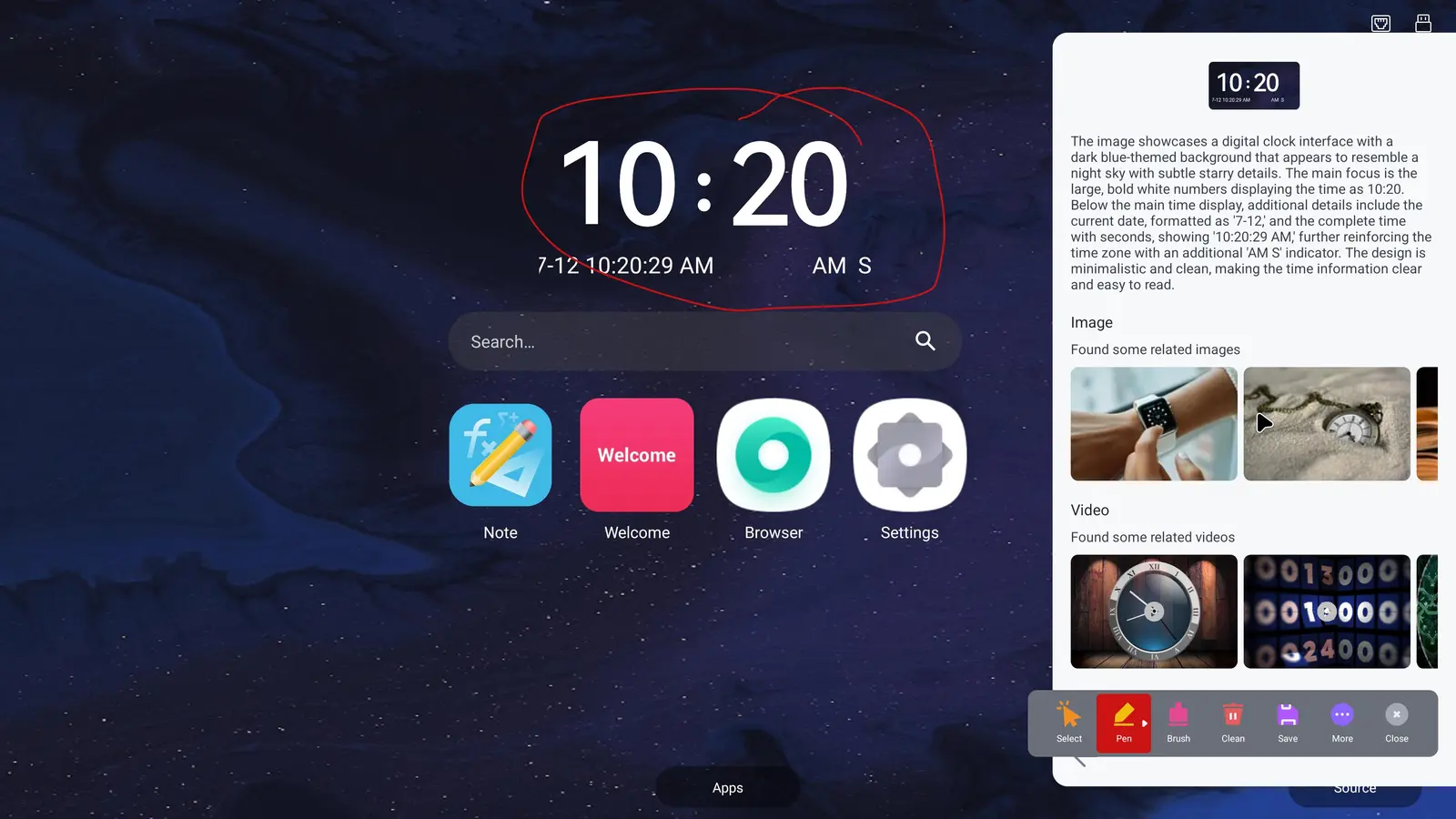
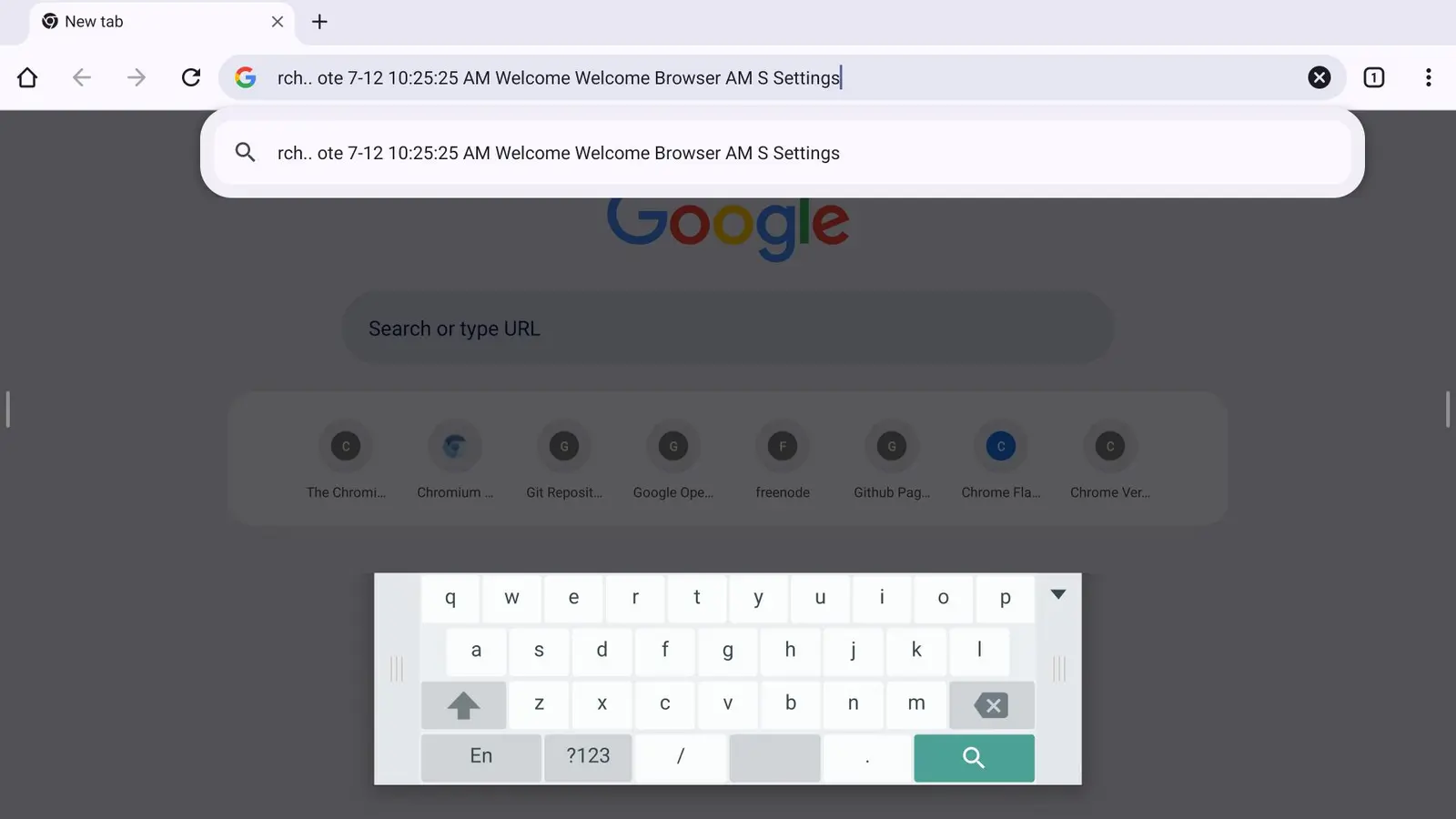
2. AI Annotation
Circle anything on screen — get instant AI search results (text, images, video).
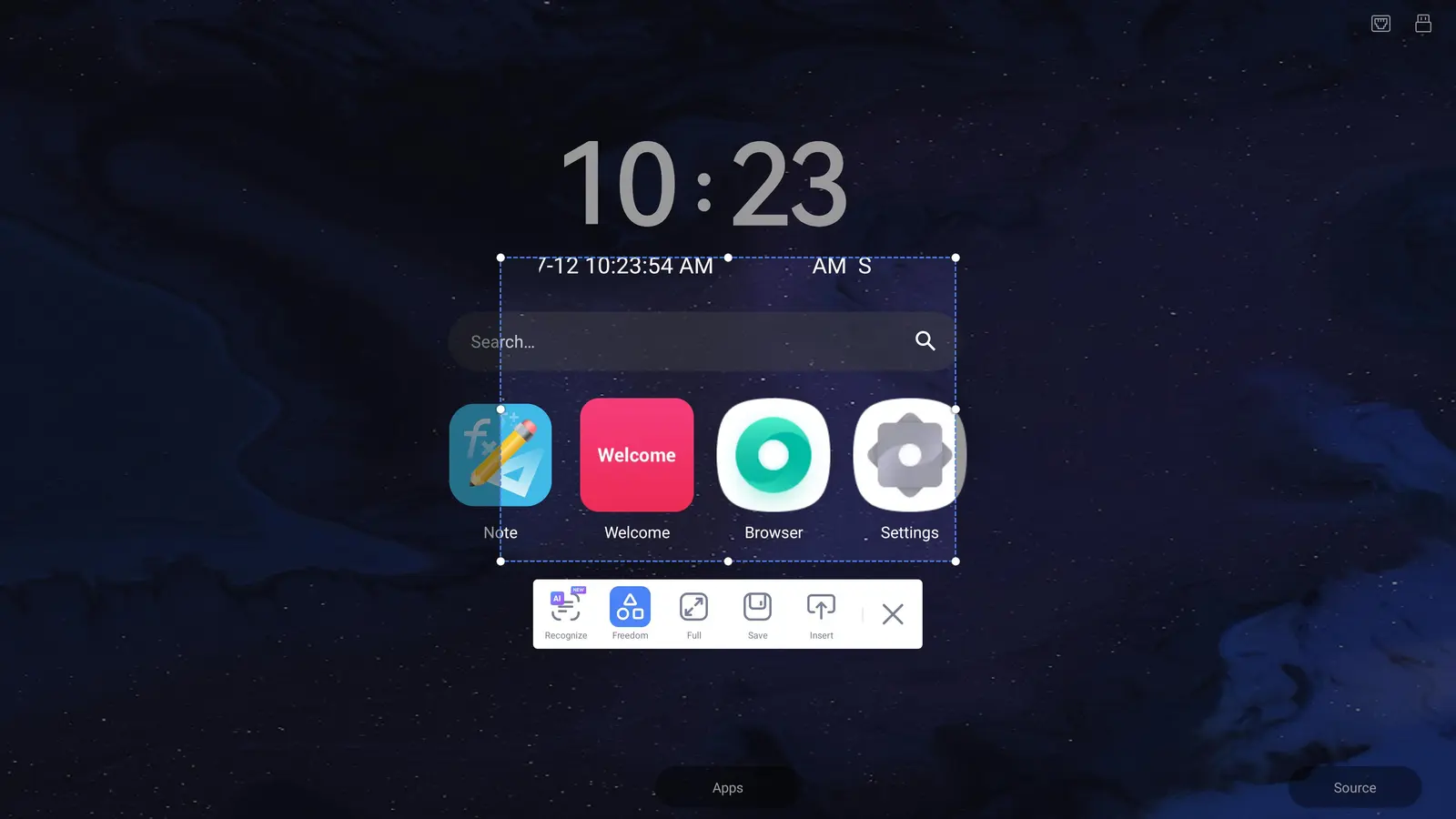
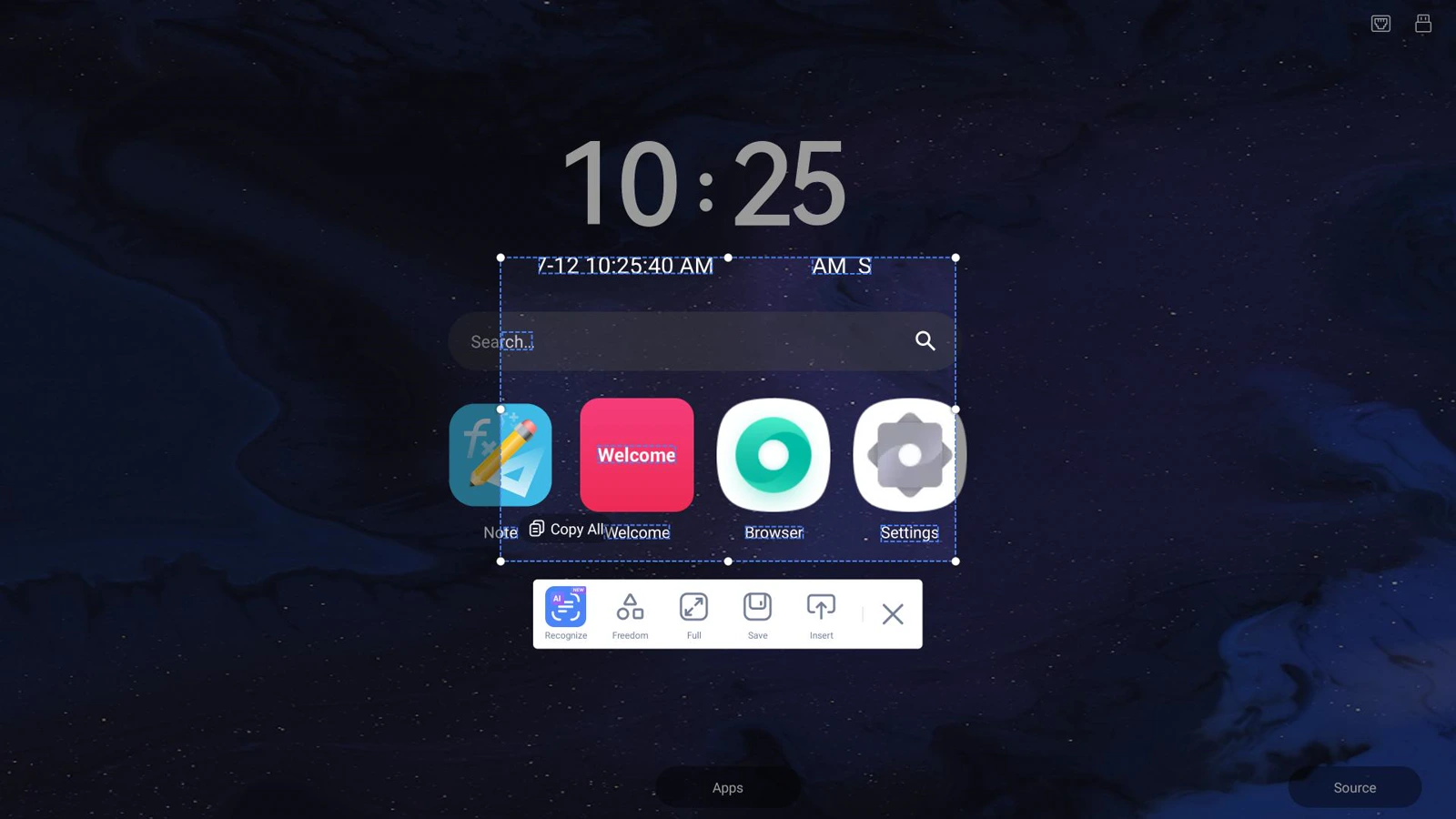
3. AI Screen Text Recognition
Select any area on screen to instantly extract and copy text.
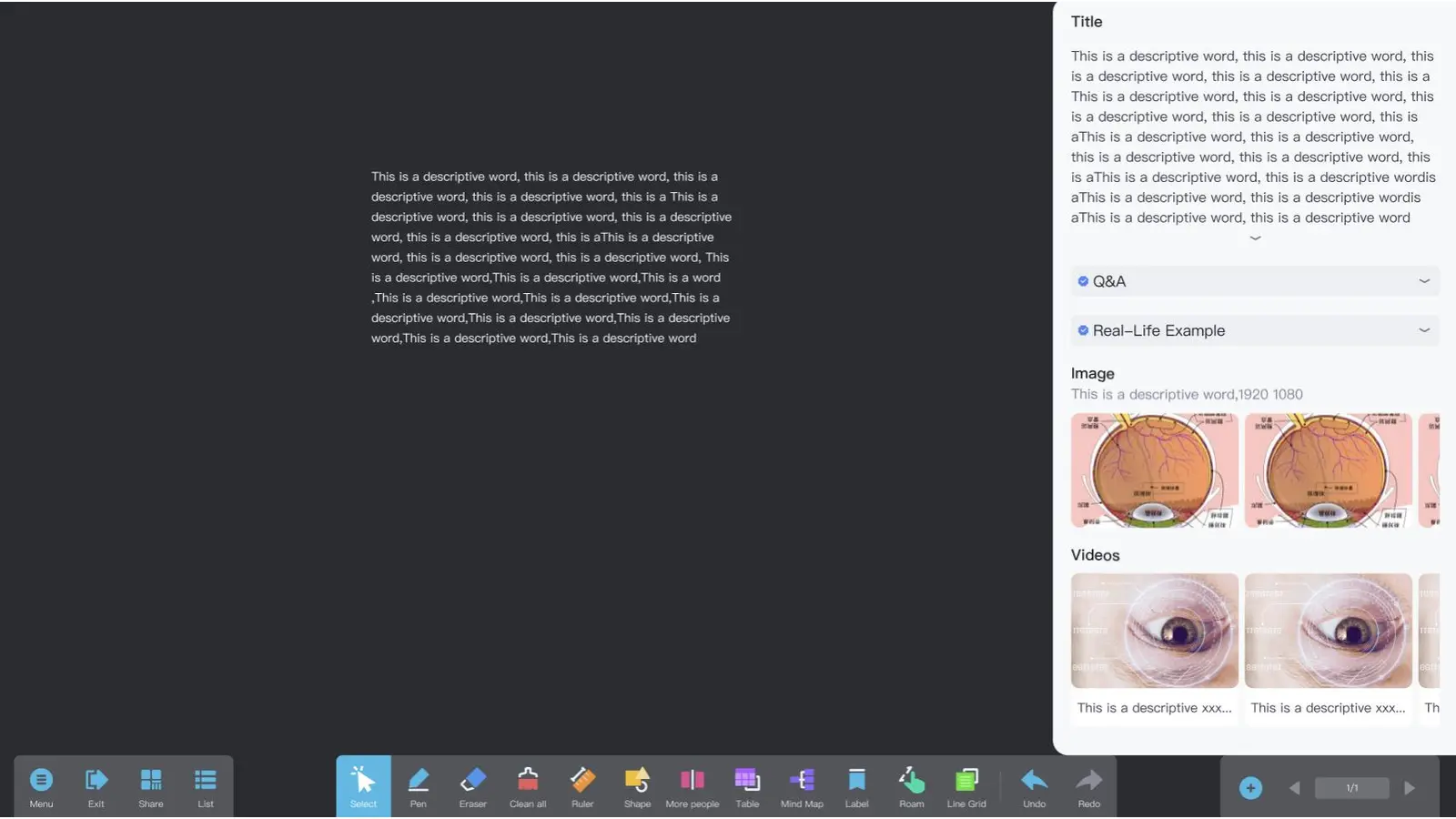
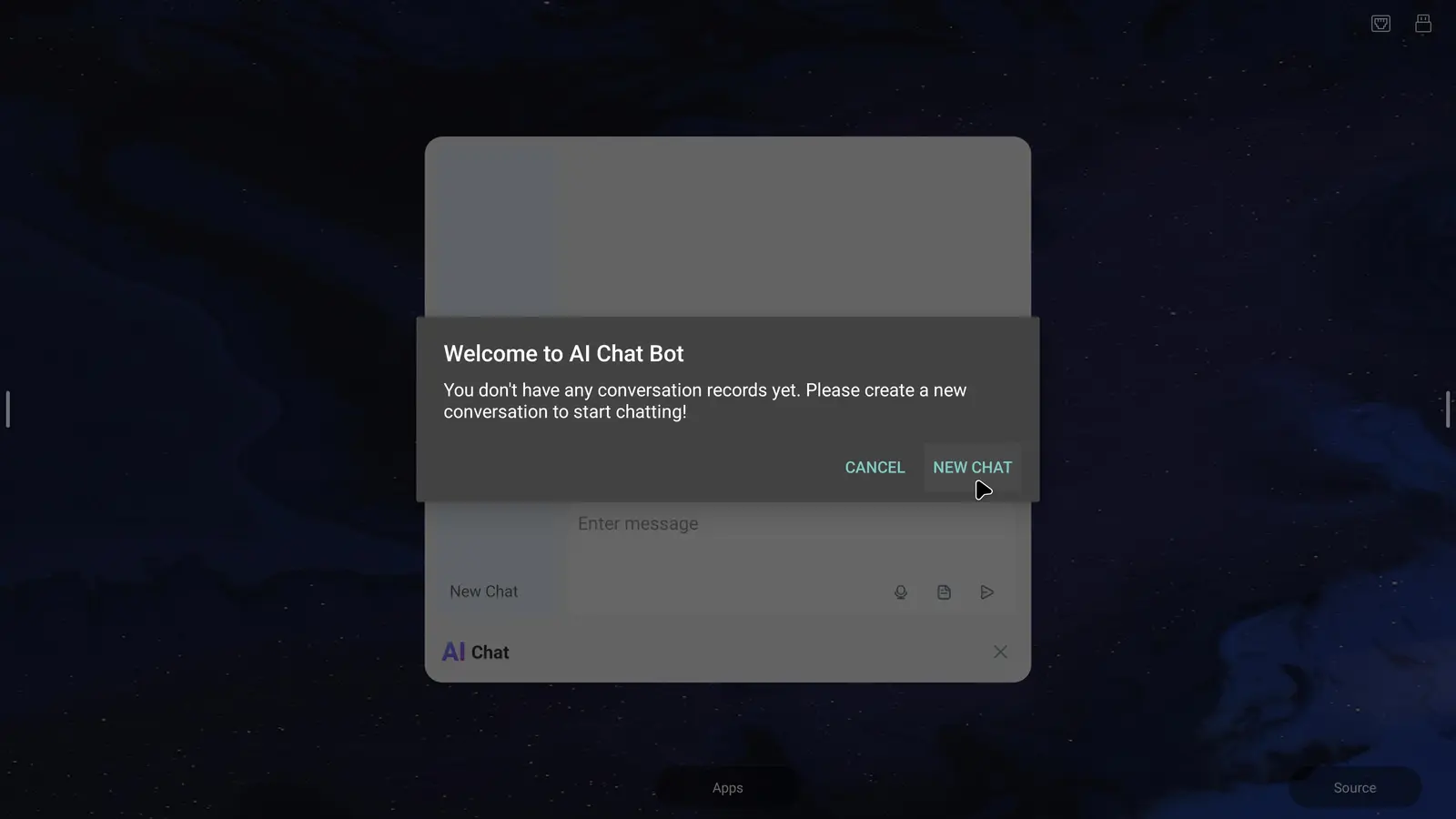
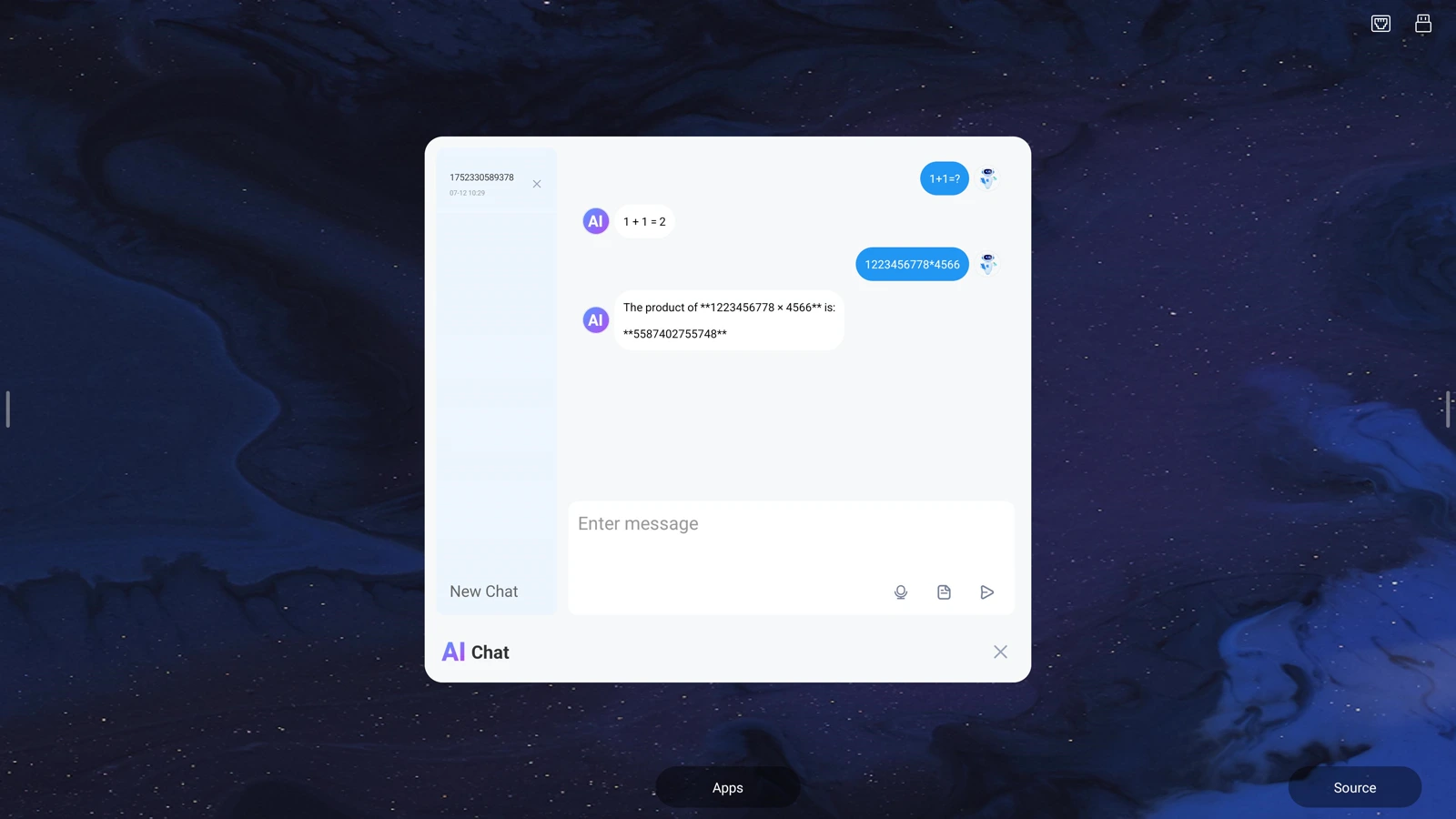
4. AI Chat
Built-in AI assistant for quick answers, right on the panel.
PIP & Mini Player
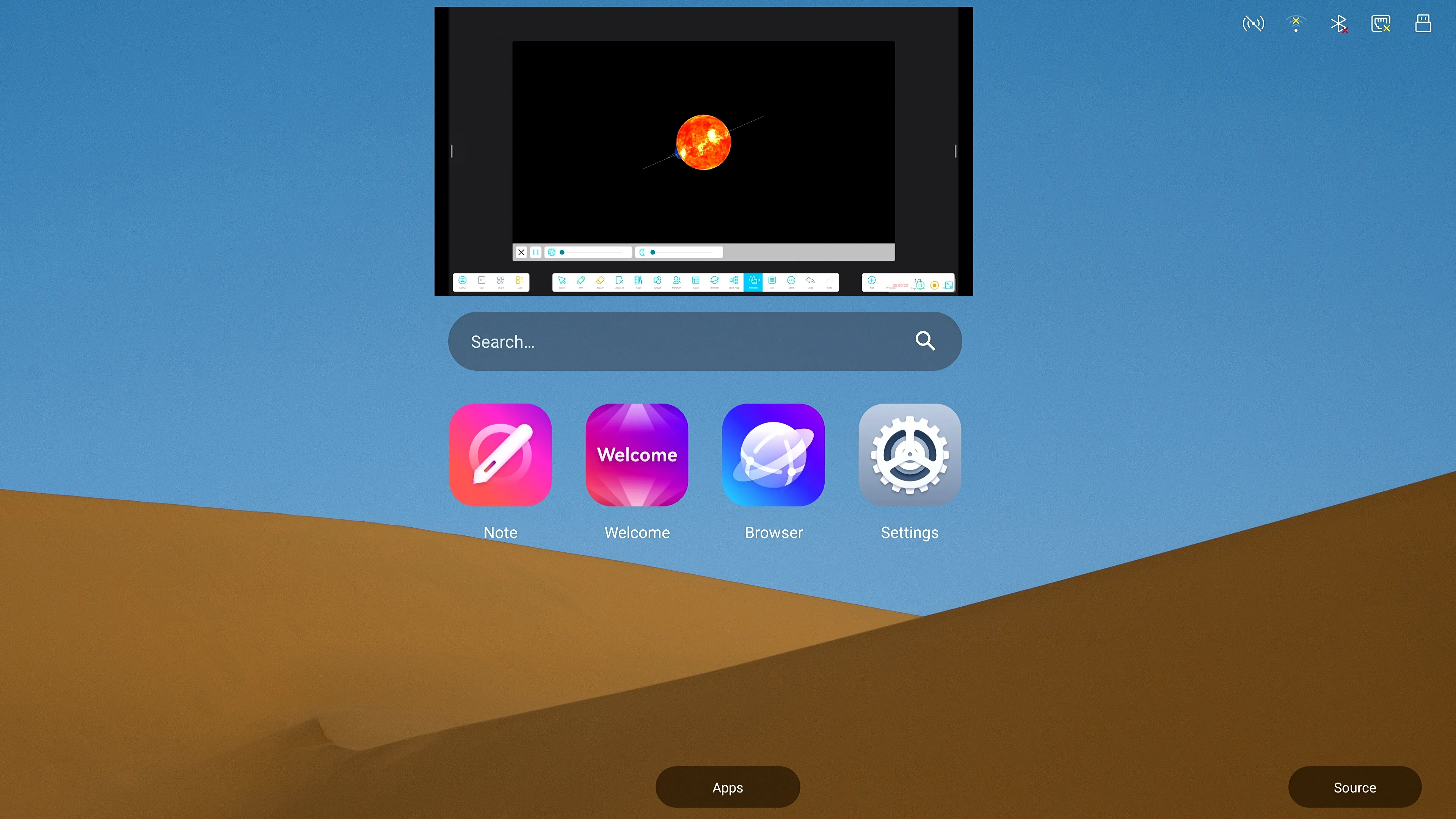
Teachers and presenters constantly need to reference a video, source material, or a second application without losing what’s on the main screen. The Mini Player lets local or USB video files play in a floating, resizable window while the rest of the whiteboard stays active underneath — perfect for pausing on a key video frame while annotating over it, or replaying a demonstration clip during a live lesson. Picture-in-Picture extends this further, keeping a secondary input source (a camera feed, a second computer, or a live signal) visible in a small overlay while the main lesson or meeting continues uninterrupted. Together, they turn a single panel into a true dual-focus workspace — something many competing systems still require a second display for.


Thoughtfully Designed, User-First Interface Layout
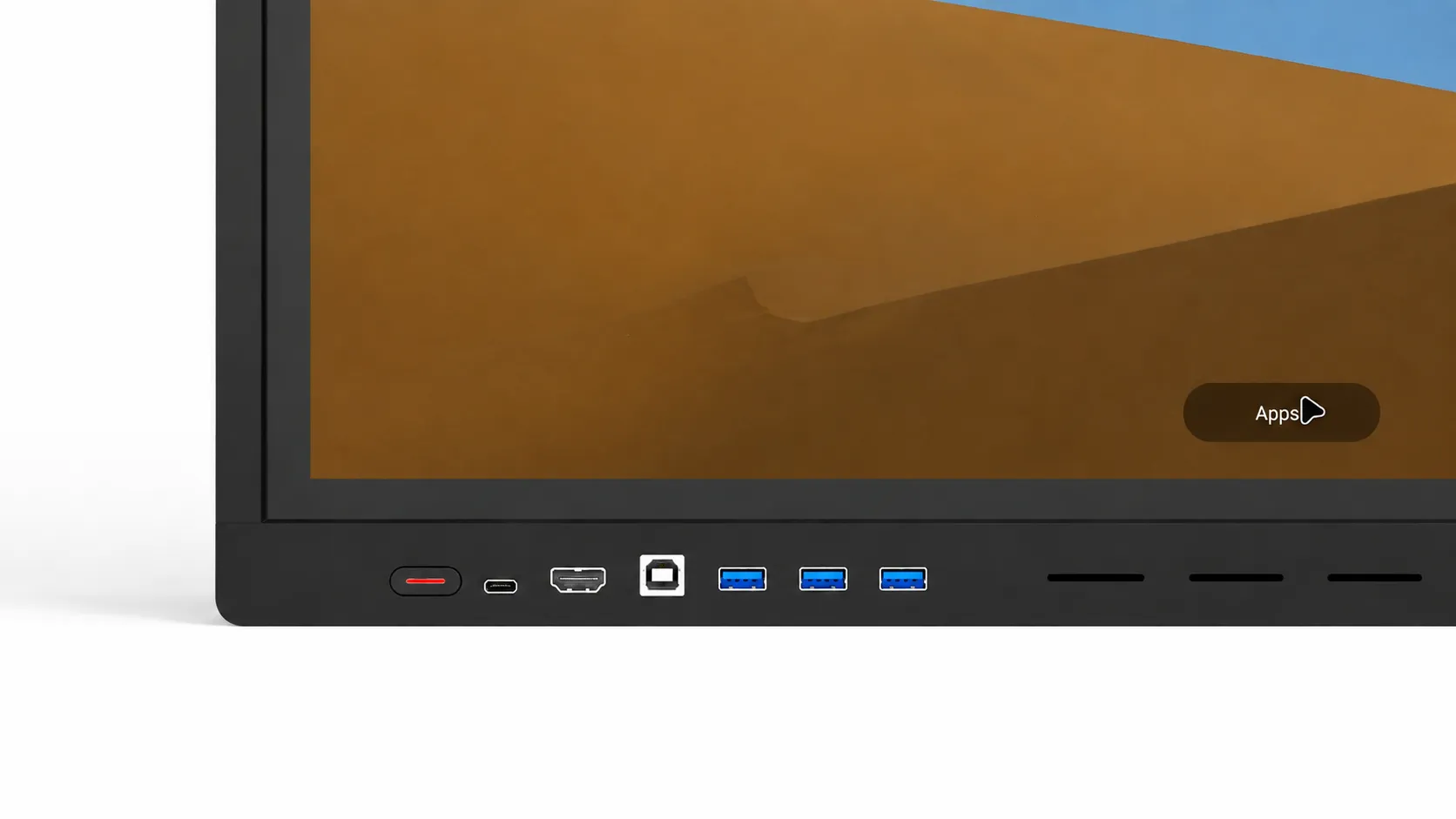
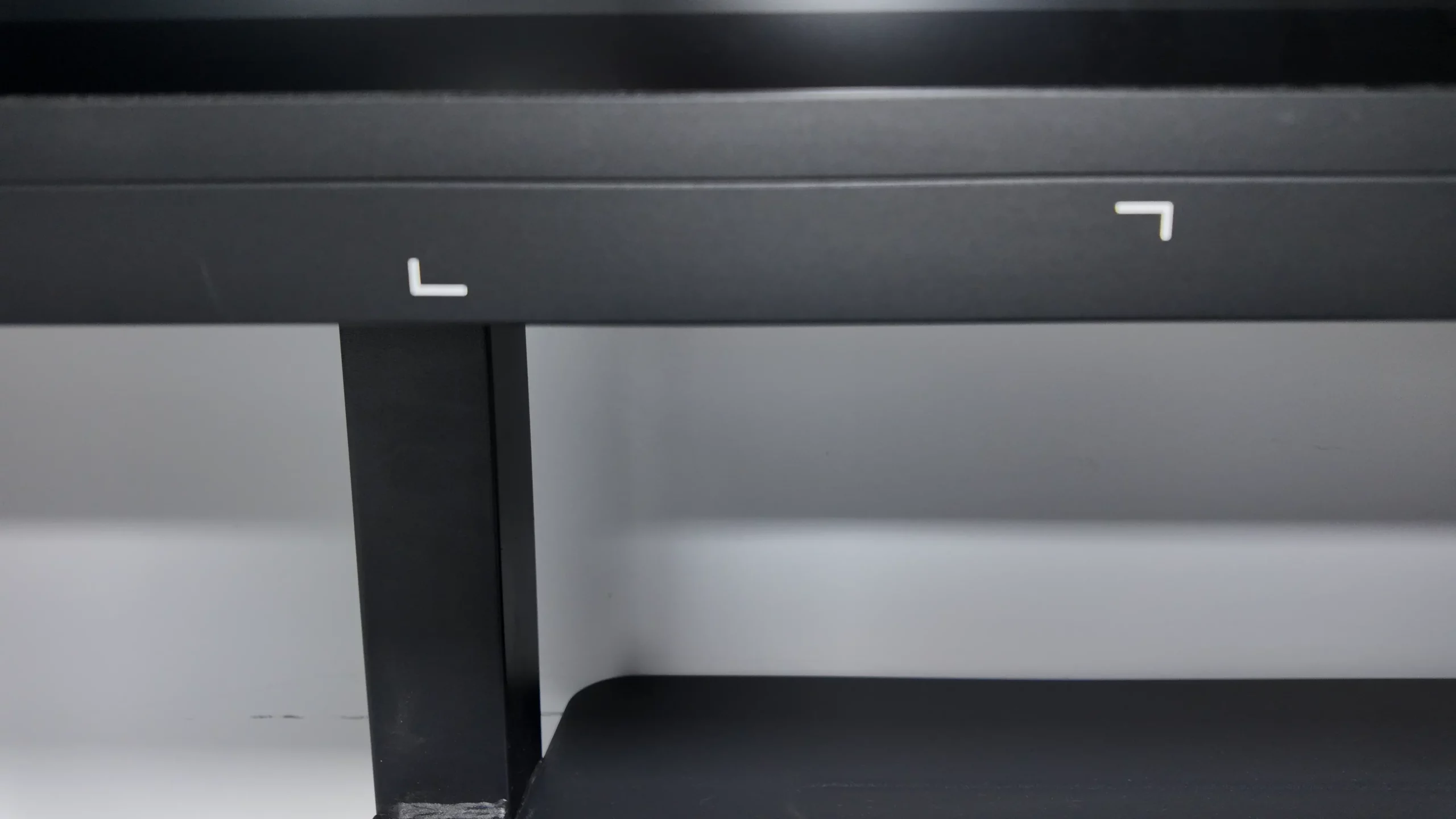
Connectivity shouldn’t require crawling behind the panel. This model puts three front-facing USB ports — one more than most comparable panels on the market — right where presenters and students actually need them, for instant flash-drive access, quick device charging, or plug-and-play peripherals without interrupting a session. Combined with a full rear I/O set (HDMI in/out, VGA, Type-C, LAN, audio out), it gives integrators a panel that’s as easy to install as it is to use day-to-day — fewer support calls, faster classroom or boardroom turnaround between users.
A Generous, Ready-to-Use Accessory Bundle
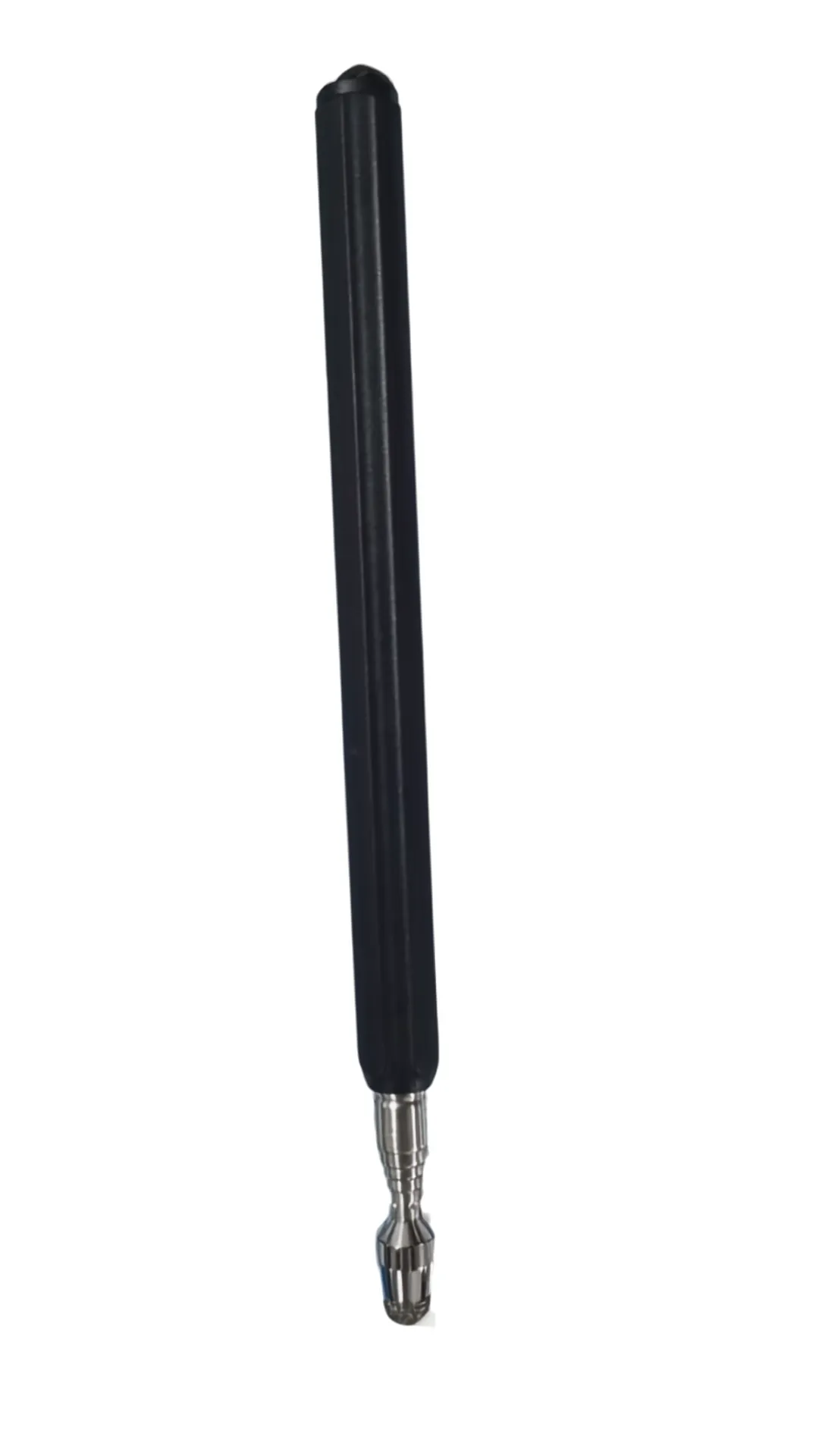
Most competing panels ship with the bare minimum — usually just one touch pen and a power cable, leaving integrators to source everything else themselves. This unit comes complete, right out of the box:
- Two touch pens — so a teacher and a student, or two presenters, can write on the panel at the same time without passing a single pen back and forth.
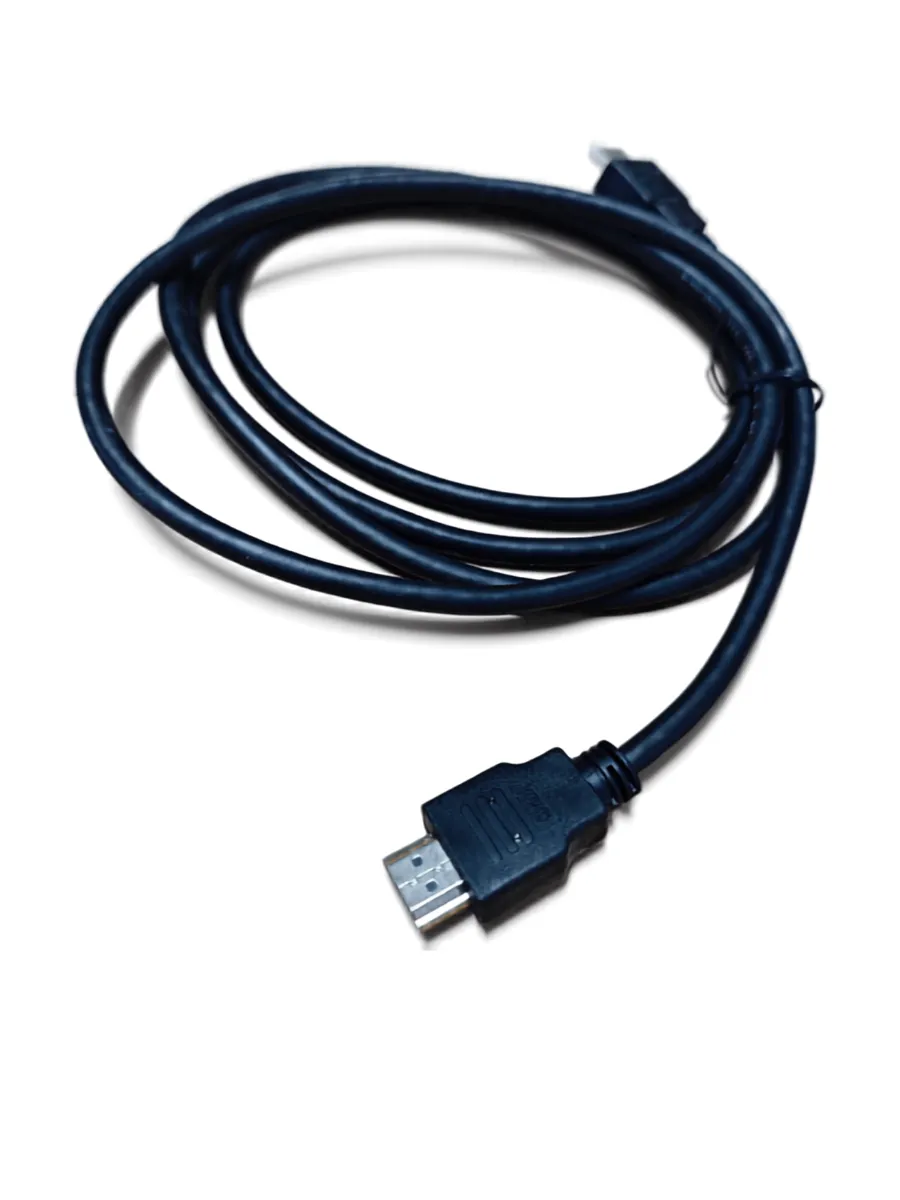
- A 2-meter HDMI cable — long enough for real-world installations without an extra purchase on day one.
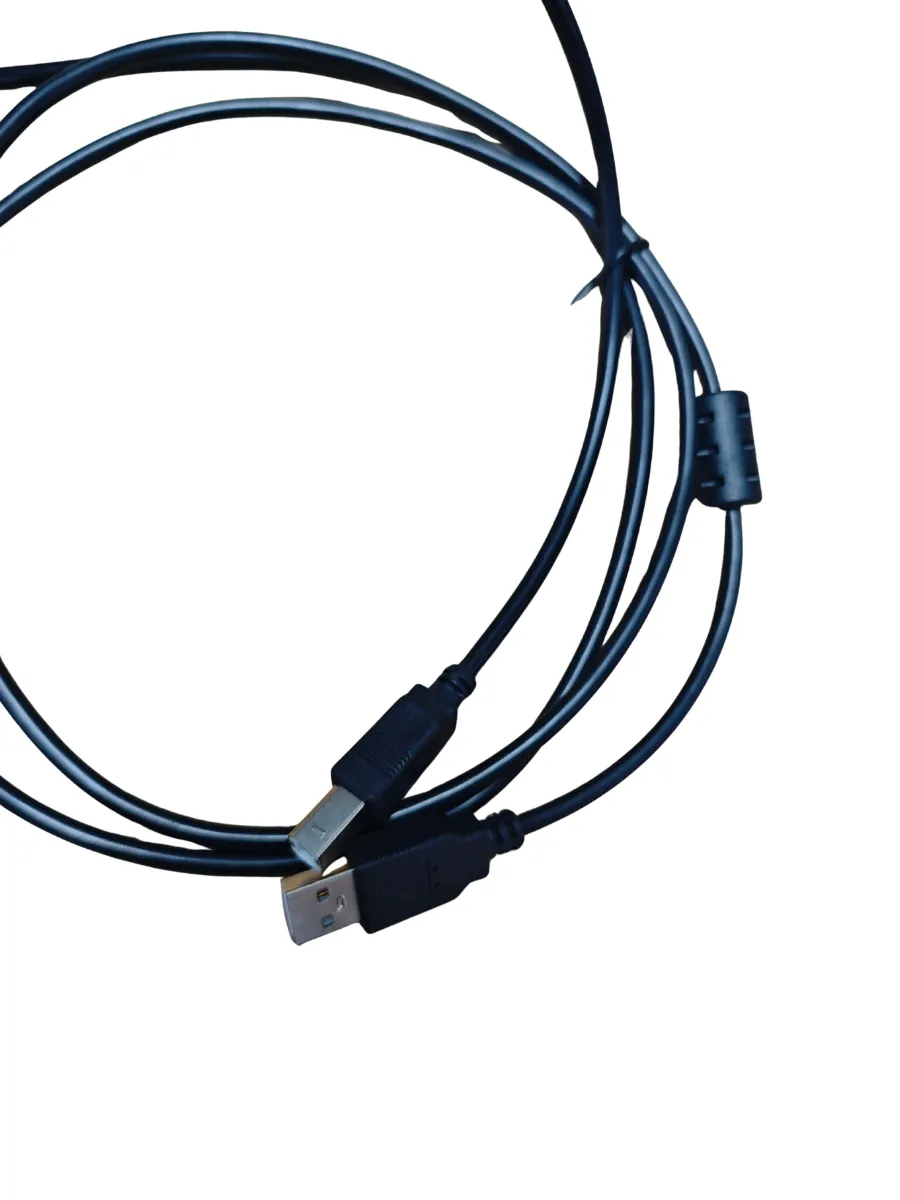
- A touch USB-to-USB cable — enables full touch-back control when the panel is used as a display for an external laptop or PC, turning any connected computer into a touch-controlled device instantly.
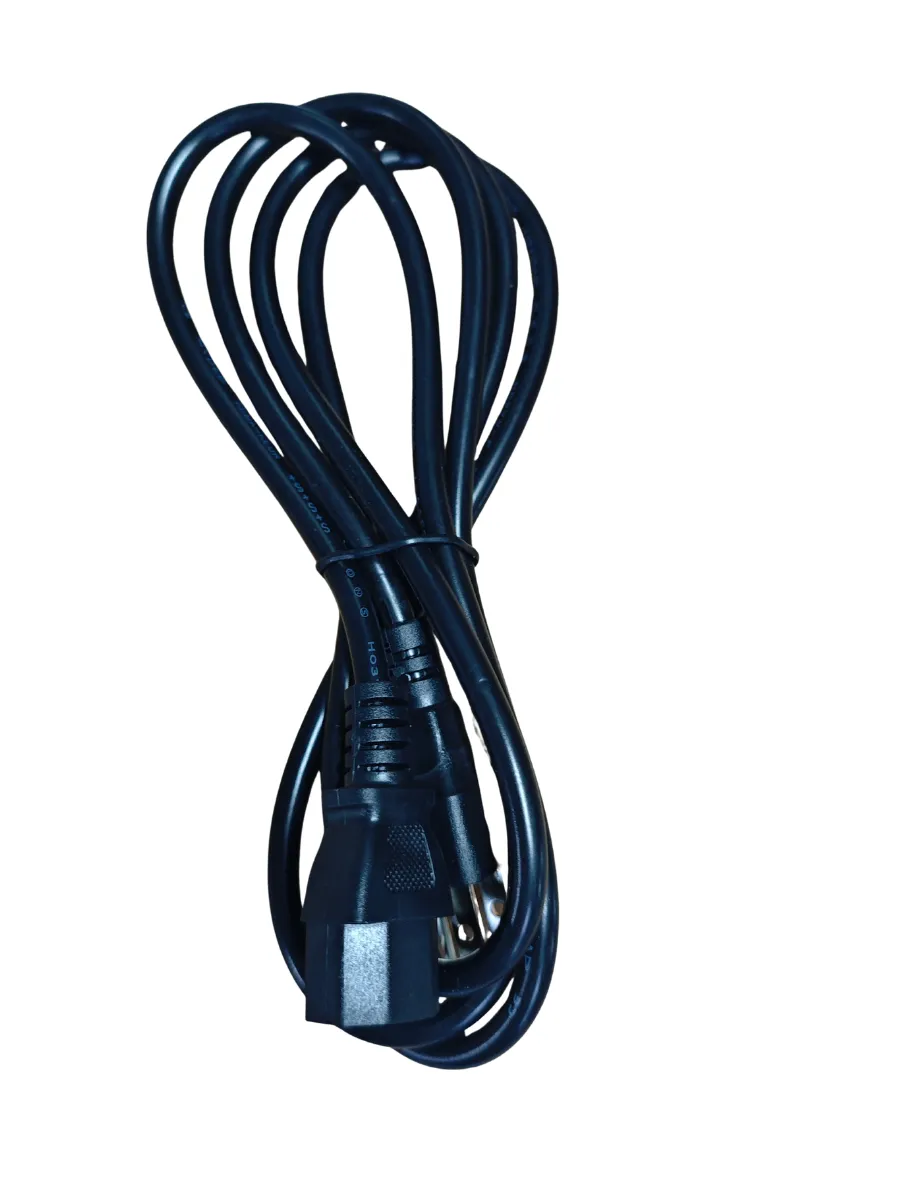
- A power cable, included as standard.

Powered By AI
DMS is designed to optimize efficiency and create a safe, interactive, and smart education environment for educators and administrators.
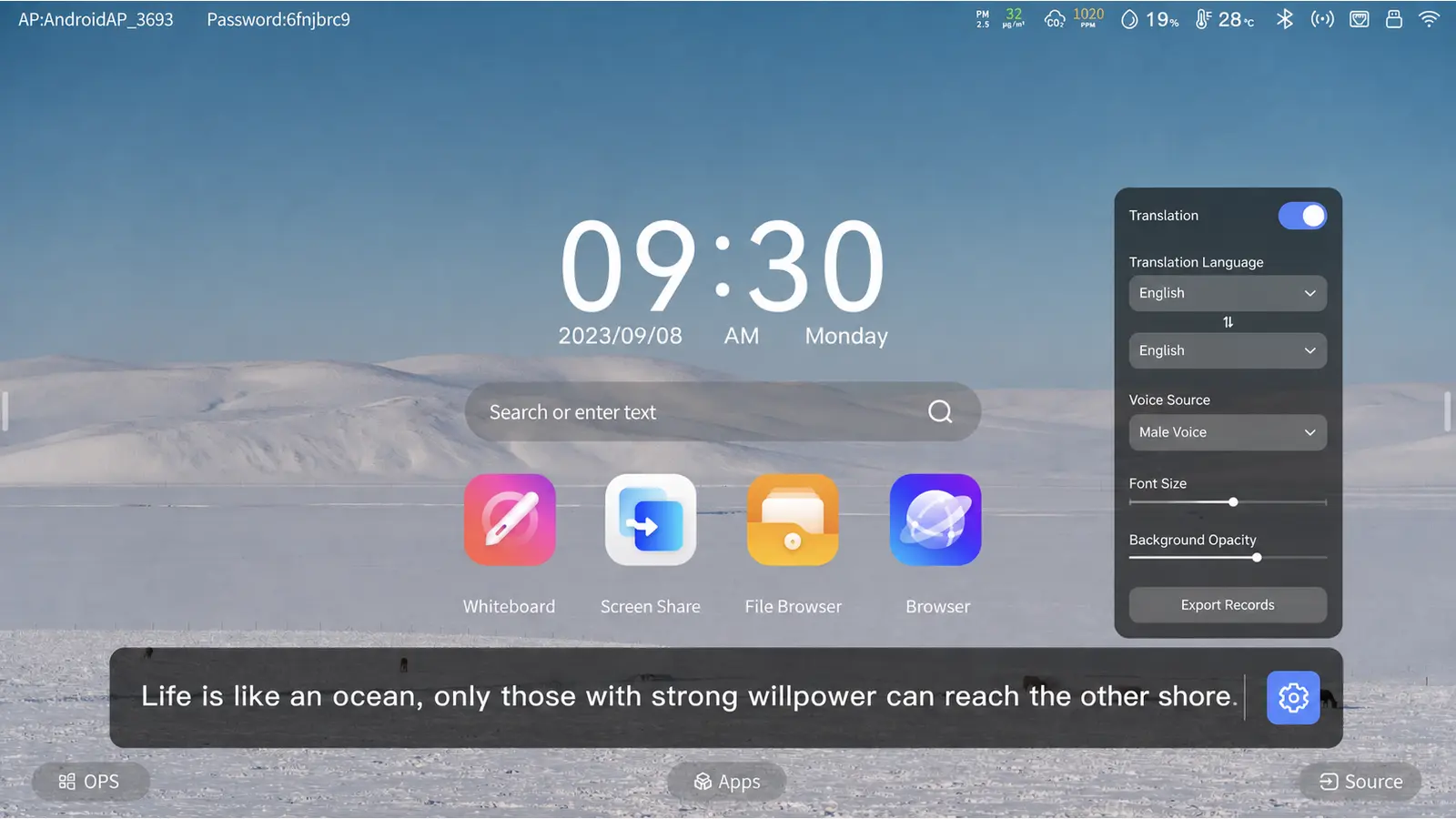
AI Whiteboard
split-screen comparison, and multi-language support.
AI Camera
Auto headcount and random student selection for fair, engaging Q&A.
AI Annotation
Circle ideas to trigger AI search — drag results straight into your notes.
AI Voice Assistant
Hands-free control via paired remote — no wake word, just press and speak.
| Model | LB65 | LB75 | LB86 | LB98 |
|---|---|---|---|---|
| Screen Size | 65" | 75" | 86" | 98" |
| Resolution | (3840 × 2160) | |||
| Touch Points | Android:20Points+ Windows 40Points | |||
| Android Version | Android 14 | |||
| CPU | Cortex-A73*4 | |||
| GPU | Mali G52MC1 | |||
| RAM+ROM | 4G+32G/8G+128G | |||
| Front interface | USB-A3.0*3+USB-B*1+HMDI-IN*1+Type-C*1 | |||
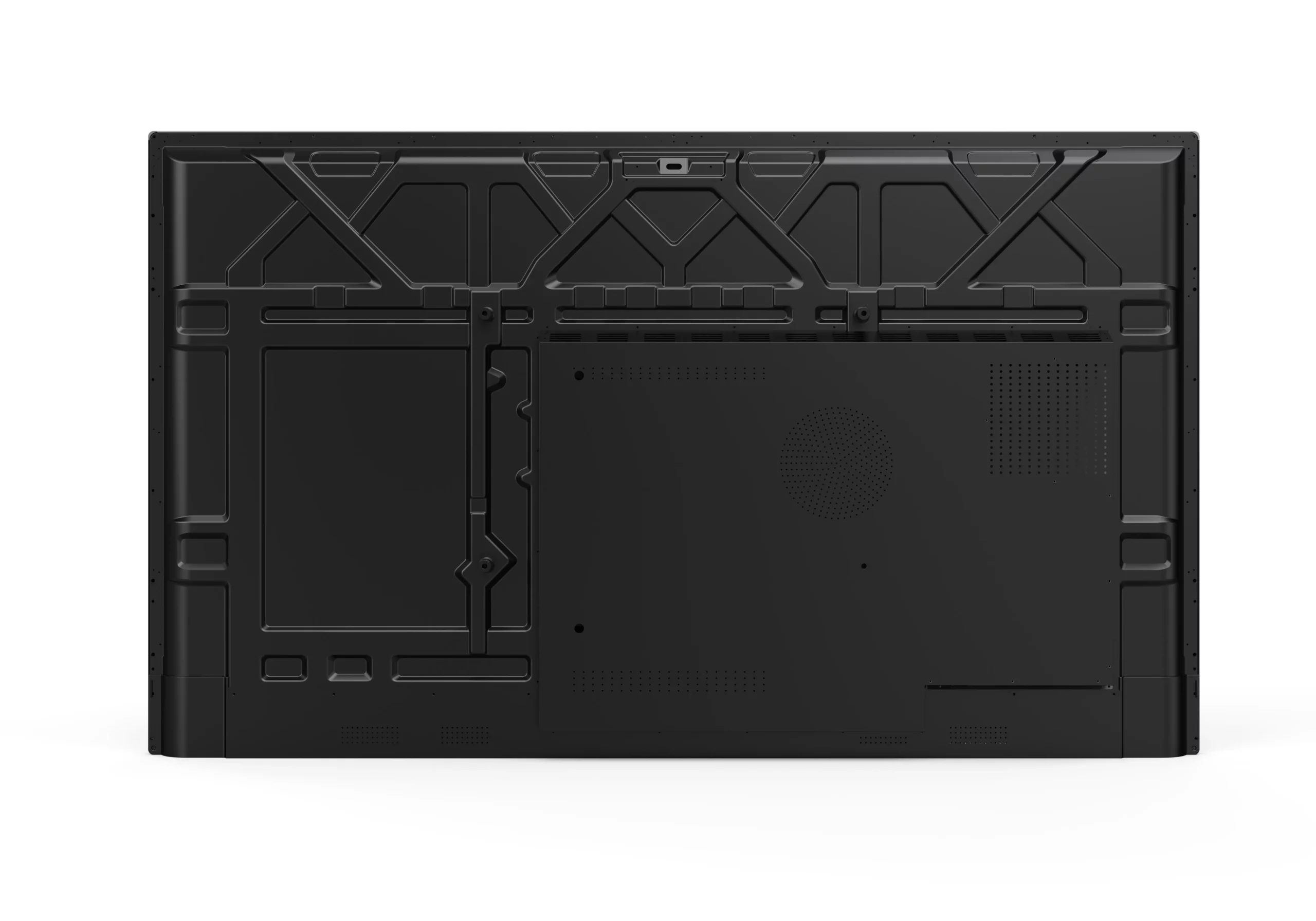
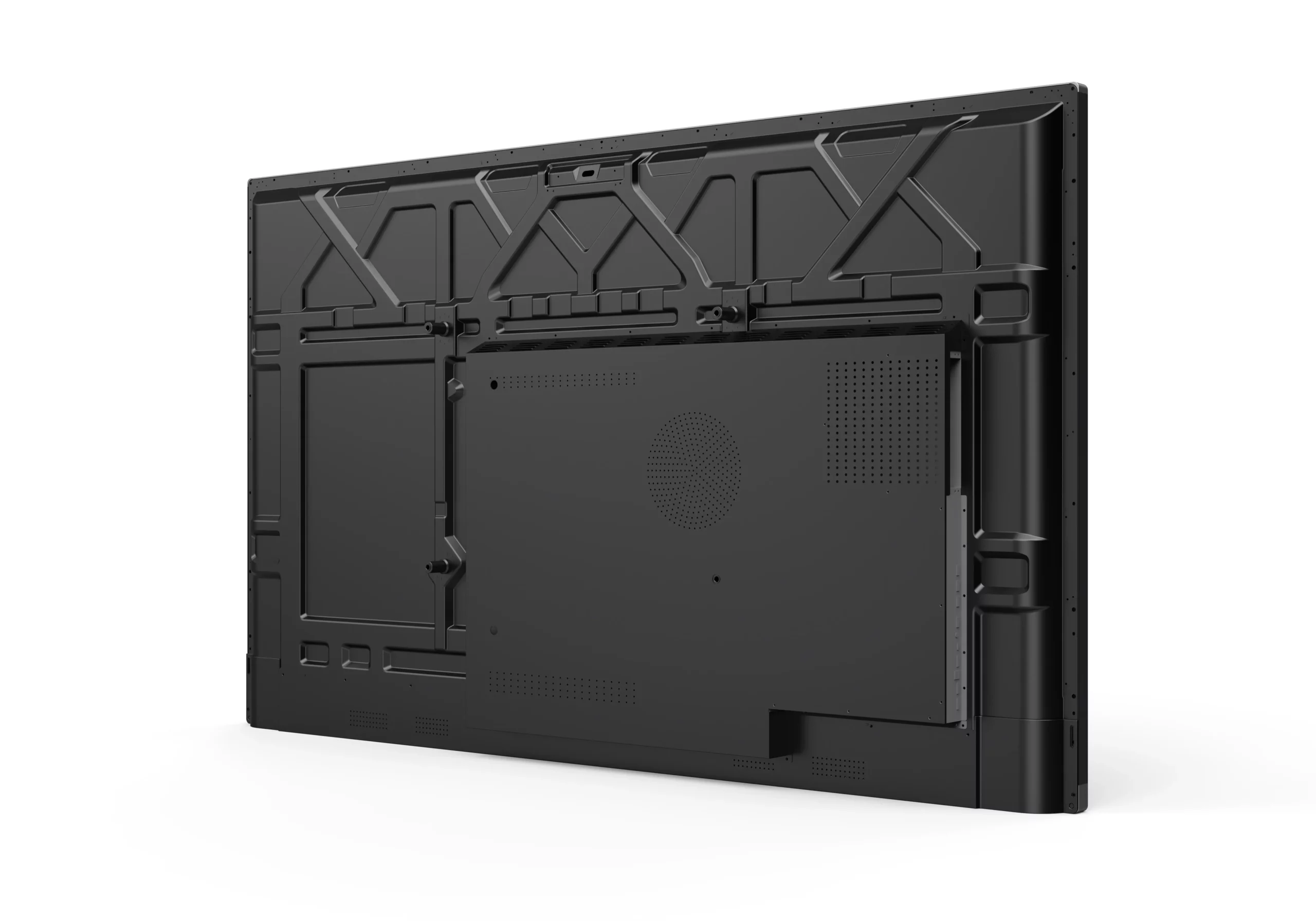
| Rear Interface | 1. HDMI OUT*1 2. RJ45*2(1000M)3. VGA+PC AUDIO IN*1 4. DP*1 5. (Mini)LINE OUT*1 6. OPTICAL OUT*1 7. RS232*1 8. USB(USB2.0)*1 9. HDMI*2 10. USB Type C*1 11. TOUCHOUT(USB2.0)*2 12. USB(USB3.0)*1 13.MIC IN*1 14.TF Card*1 |
|||
| Net Weight | 45 kg | 55 kg | 70 kg | 110 kg |
| VESA Mount | 500*400 | 600*400 | 800*400 | 900*400 |
| Certifications | CE/FCC | |||
| Warranty | 1 Year | |||
| Carton Size(mm)/(L*W*H) | 1600*200*1000 | 1880*210*1150 | 2100*215*800 | 2370*255*900 |
FAQ
How should distributors compare two LearnBoard quotations that appear to have the same specifications but different prices?
Basic quotations may hide the components that drive much of an interactive display's cost. LearnBoard uses A-grade open-cell panels, and the serial number of each panel can be provided for verification. We also source the mainboard from a stable, reliable supplier even when the chipset model appears identical. Frequently used accessories are included, with no later surcharge for standard quoted items.
Should a school project add an OPS PC or continue using its existing computers for Windows teaching software?
The decision depends on the performance required by the teaching software. We can test the software on the proposed OPS configuration before the order and help determine whether the existing computers can be retained or whether an upgrade is justified.
What evidence can LearnBoard provide when a school tender requires Google services or EDLA certification?
We can offer another configuration that supports Google services and EDLA requirements. Depending on the project, the EDLA certification may use the mainboard supplier's registered name or be arranged under your brand. Certification under your own brand involves additional cost and must be confirmed for the exact model and configuration.
When AI and teaching software are included in a LearnBoard quotation, which costs are permanent and which may recur?
The AI software is quoted as a per-device licence. It is a one-time, perpetual licence with no renewal fee or usage limit. Each licence may be activated on one device only.
Can LearnBoard devices across several schools be configured, updated and controlled from one management platform?
Yes. The DMS platform can manage devices individually or by groups across one or several schools. Administrators can perform tasks such as powering devices on or off and installing applications centrally.
After a LearnBoard sample is approved, can the same hardware and software configuration be maintained for the bulk order and later replenishment?
Yes. After sample approval, we lock the mainboard, panel, touch solution and firmware so that the bulk order follows the approved hardware and software configuration.
Which LearnBoard functions remain available when a school restricts internet access or the site goes offline?
Offline whiteboard functions such as shapes, screen sharing, split screen and mind maps remain available. Teachers can also use local courseware and supported screen-casting functions. AI features require an internet connection and will not be available offline.
Can LearnBoard shipments be grouped and labelled by school, classroom and installation kit for phased delivery?
Yes. We can prepare group labels, packing lists, serial-number records and accessory kits according to the quantities, formats and installation requirements you provide.
How far can a local technician troubleshoot LearnBoard touch, mainboard or power faults?
We provide remote diagnostic information and live technical support, plus online training before delivery so local technicians can resolve common issues quickly. For every 50 units of the same model, our standard spare-parts policy includes one mainboard and one power board. Opening the unit locally under our guidance does not invalidate the original warranty.
Can Moliter support sample testing, line-by-line tender responses and acceptance documents before a LearnBoard bid?
We can provide project documents such as specifications, drawings, test records and sample terms. If a tender item is not met by the standard configuration, we will assess the time and cost required with you before any commitment is made.
Other products
FlexBoard
Configurable display solutions adapted to different projects, environments, and integration requirements.
MeetBoard
Collaboration displays designed for meeting rooms, hybrid work, and efficient team communication
Indoor Digital Signage
For a permanent information point where the screen should remain on a wall and the floor must stay clear.